


More on Personal Growth

The woman
3 years ago
The best lesson from Sundar Pichai is that success and stress don't mix.
His regular regimen teaches stress management.
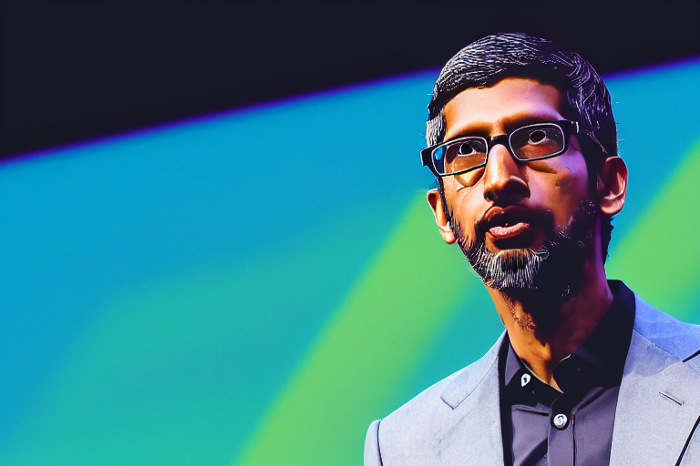
In 1995, an Indian graduate visited the US. He obtained a scholarship to Stanford after graduating from IIT with a silver medal. First flight. His ticket cost a year's income. His head was full.
Pichai Sundararajan is his full name. He became Google's CEO and a world leader. Mr. Pichai transformed technology and inspired millions to dream big.
This article reveals his daily schedule.
Mornings
While many of us dread Mondays, Mr. Pichai uses the day to contemplate.
A typical Indian morning. He awakens between 6:30 and 7 a.m. He avoids working out in the mornings.
Mr. Pichai oversees the internet, but he reads a real newspaper every morning.
Pichai mentioned that he usually enjoys a quiet breakfast during which he reads the news to get a good sense of what’s happening in the world. Pichai often has an omelet for breakfast and reads while doing so. The native of Chennai, India, continues to enjoy his daily cup of tea, which he describes as being “very English.”
Pichai starts his day. BuzzFeed's Mat Honan called the CEO Banana Republic dad.
Overthinking in the morning is a bad idea. It's crucial to clear our brains and give ourselves time in the morning before we hit traffic.
Mr. Pichai's morning ritual shows how to stay calm. Wharton Business School found that those who start the day calmly tend to stay that way. It's worth doing regularly.
And he didn't forget his roots.
Afternoons
He has a busy work schedule, as you can imagine. Running one of the world's largest firm takes time, energy, and effort. He prioritizes his work. Monitoring corporate performance and guaranteeing worker efficiency.
Sundar Pichai spends 7-8 hours a day to improve Google. He's noted for changing the company's culture. He wants to boost employee job satisfaction and performance.
His work won him recognition within the company.
Pichai received a 96% approval rating from Glassdoor users in 2017.
Mr. Pichai stresses work satisfaction. Each day is a new canvas for him to find ways to enrich people's job and personal lives.
His work offers countless lessons. According to several profiles and press sources, the Google CEO is a savvy negotiator. Mr. Pichai's success came from his strong personality, work ethic, discipline, simplicity, and hard labor.
Evenings
His evenings are spent with family after a busy day. Sundar Pichai's professional and personal lives are balanced. Sundar Pichai is a night owl who re-energizes about 9 p.m.
However, he claims to be most productive after 10 p.m., and he thinks doing a lot of work at that time is really useful. But he ensures he sleeps for around 7–8 hours every day. He enjoys long walks with his dog and enjoys watching NSDR on YouTube. It helps him in relaxing and sleep better.
His regular routine teaches us what? Work wisely, not hard, discipline, vision, etc. His stress management is key. Leading one of the world's largest firm with 85,000 employees is scary.
The pressure to achieve may ruin a day. Overworked employees are more likely to make mistakes or be angry with coworkers, according to the Family Work Institute. They can't handle daily problems, making the house more stressful than the office.
Walking your dog, having fun with friends, and having hobbies are as vital as your office.

Jari Roomer
3 years ago
Successful people have this one skill.
Without self-control, you'll waste time chasing dopamine fixes.
I found a powerful quote in Tony Robbins' Awaken The Giant Within:
“Most of the challenges that we have in our personal lives come from a short-term focus” — Tony Robbins
Most people are short-term oriented, but highly successful people are long-term oriented.
Successful people act in line with their long-term goals and values, while the rest are distracted by short-term pleasures and dopamine fixes.
Instant gratification wrecks lives
Instant pleasure is fleeting. Quickly fading effects leave you craving more stimulation.
Before you know it, you're in a cycle of quick fixes. This explains binging on food, social media, and Netflix.
These things cause a dopamine spike, which is entertaining. This dopamine spike crashes quickly, leaving you craving more stimulation.
It's fine to watch TV or play video games occasionally. Problems arise when brain impulses aren't controlled. You waste hours chasing dopamine fixes.
Instant gratification becomes problematic when it interferes with long-term goals, happiness, and life fulfillment.
Most rewarding things require delay
Life's greatest rewards require patience and delayed gratification. They must be earned through patience, consistency, and effort.
Ex:
A fit, healthy body
A deep connection with your spouse
A thriving career/business
A healthy financial situation
These are some of life's most rewarding things, but they take work and patience. They all require the ability to delay gratification.
To have a healthy bank account, you must save (and invest) a large portion of your monthly income. This means no new tech or clothes.
If you want a fit, healthy body, you must eat better and exercise three times a week. So no fast food and Netflix.
It's a battle between what you want now and what you want most.
Successful people choose what they want most over what they want now. It's a major difference.
Instant vs. delayed gratification
Most people subconsciously prefer instant rewards over future rewards, even if the future rewards are more significant.
We humans aren't logical. Emotions and instincts drive us. So we act against our goals and values.
Fortunately, instant gratification bias can be overridden. This is a modern superpower. Effective methods include:
#1: Train your brain to handle overstimulation
Training your brain to function without constant stimulation is a powerful change. Boredom can lead to long-term rewards.
Unlike impulsive shopping, saving money is boring. Having lots of cash is amazing.
Compared to video games, deep work is boring. A successful online business is rewarding.
Reading books is boring compared to scrolling through funny videos on social media. Knowledge is invaluable.
You can't do these things if your brain is overstimulated. Your impulses will control you. To reduce overstimulation addiction, try:
Daily meditation (10 minutes is enough)
Daily study/work for 90 minutes (no distractions allowed)
First hour of the day without phone, social media, and Netflix
Nature walks, journaling, reading, sports, etc.
#2: Make Important Activities Less Intimidating
Instant gratification helps us cope with stress. Starting a book or business can be intimidating. Video games and social media offer a quick escape in such situations.
Make intimidating tasks less so. Break them down into small tasks. Start a new business/side-hustle by:
Get domain name
Design website
Write out a business plan
Research competition/peers
Approach first potential client
Instead of one big mountain, divide it into smaller sub-tasks. This makes a task easier and less intimidating.
#3: Plan ahead for important activities
Distractions will invade unplanned time. Your time is dictated by your impulses, which are usually Netflix, social media, fast food, and video games. It wants quick rewards and dopamine fixes.
Plan your days and be proactive with your time. Studies show that scheduling activities makes you 3x more likely to do them.
To achieve big goals, you must plan. Don't gamble.
Want to get fit? Schedule next week's workouts. Want a side-job? Schedule your work time.

Zuzanna Sieja
3 years ago
In 2022, each data scientist needs to read these 11 books.

Non-technical talents can benefit data scientists in addition to statistics and programming.
As our article 5 Most In-Demand Skills for Data Scientists shows, being business-minded is useful. How can you get such a diverse skill set? We've compiled a list of helpful resources.
Data science, data analysis, programming, and business are covered. Even a few of these books will make you a better data scientist.
Ready? Let’s dive in.
Best books for data scientists
1. The Black Swan
Author: Nassim Taleb
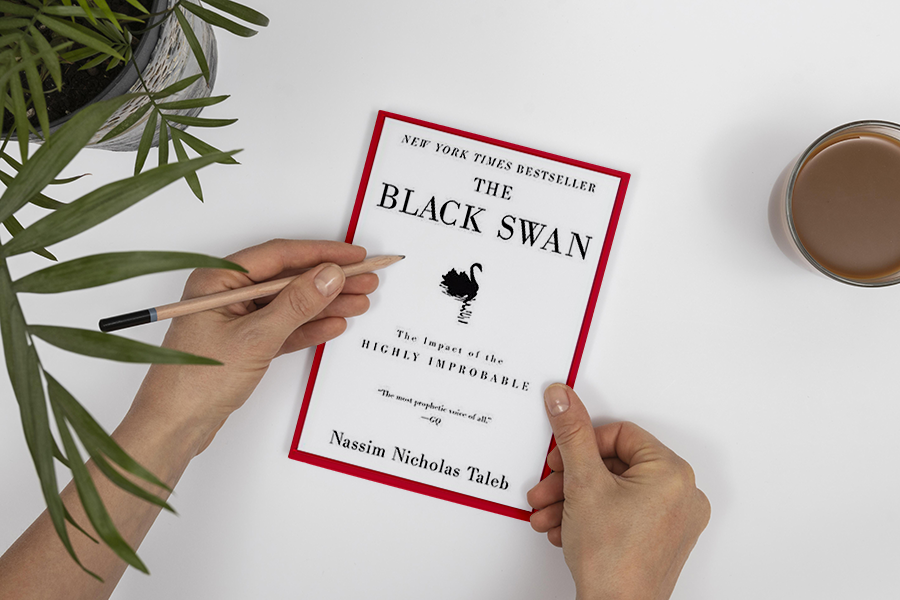
First, a less obvious title. Nassim Nicholas Taleb's seminal series examines uncertainty, probability, risk, and decision-making.
Three characteristics define a black swan event:
It is erratic.
It has a significant impact.
Many times, people try to come up with an explanation that makes it seem more predictable than it actually was.
People formerly believed all swans were white because they'd never seen otherwise. A black swan in Australia shattered their belief.
Taleb uses this incident to illustrate how human thinking mistakes affect decision-making. The book teaches readers to be aware of unpredictability in the ever-changing IT business.
Try multiple tactics and models because you may find the answer.
2. High Output Management
Author: Andrew Grove
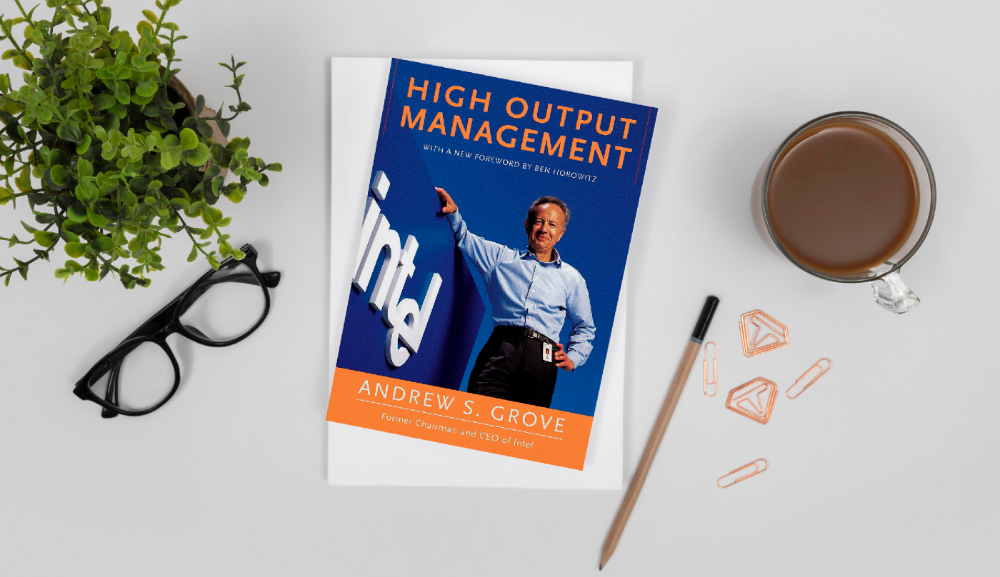
Intel's former chairman and CEO provides his insights on developing a global firm in this business book. We think Grove would choose “management” to describe the talent needed to start and run a business.
That's a skill for CEOs, techies, and data scientists. Grove writes on developing productive teams, motivation, real-life business scenarios, and revolutionizing work.
Five lessons:
Every action is a procedure.
Meetings are a medium of work
Manage short-term goals in accordance with long-term strategies.
Mission-oriented teams accelerate while functional teams increase leverage.
Utilize performance evaluations to enhance output.
So — if the above captures your imagination, it’s well worth getting stuck in.
3. The Hard Thing About Hard Things: Building a Business When There Are No Easy Answers
Author: Ben Horowitz
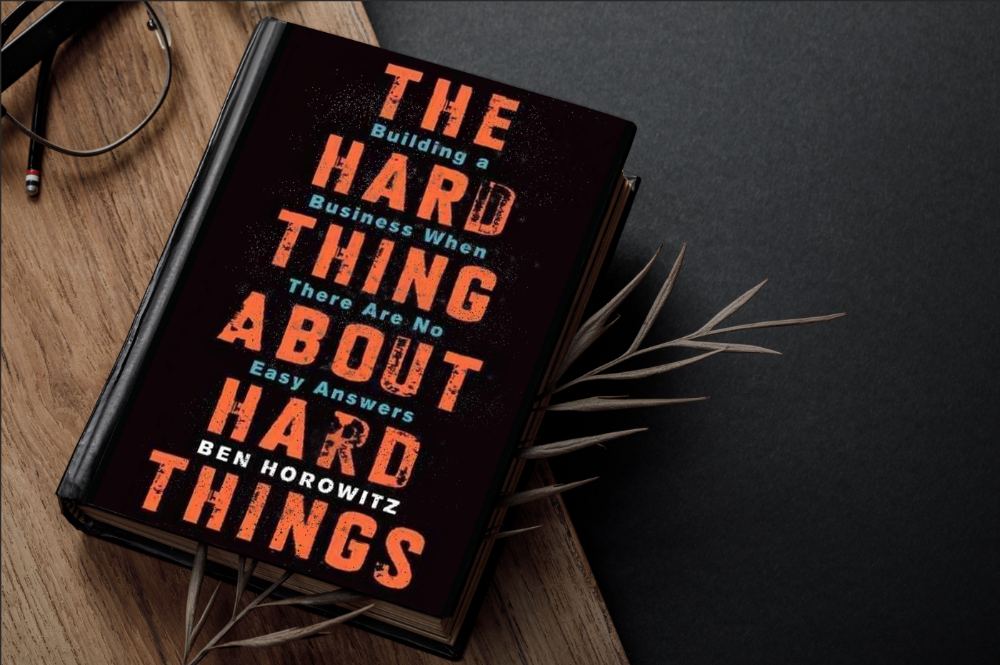
Few realize how difficult it is to run a business, even though many see it as a tremendous opportunity.
Business schools don't teach managers how to handle the toughest difficulties; they're usually on their own. So Ben Horowitz wrote this book.
It gives tips on creating and maintaining a new firm and analyzes the hurdles CEOs face.
Find suggestions on:
create software
Run a business.
Promote a product
Obtain resources
Smart investment
oversee daily operations
This book will help you cope with tough times.
4. Obviously Awesome: How to Nail Product Positioning
Author: April Dunford
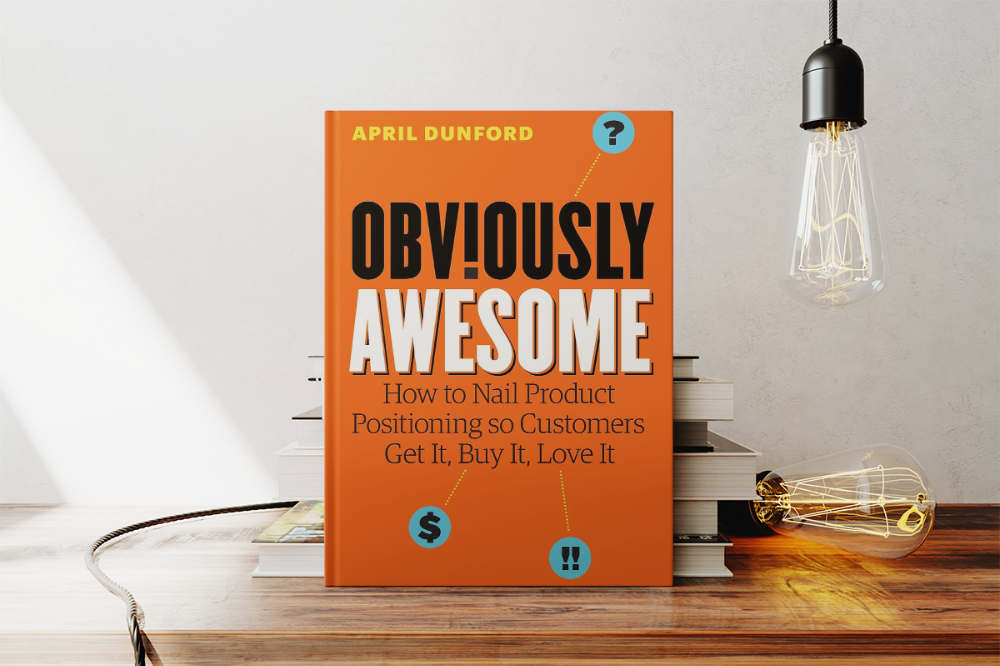
Your job as a data scientist is a product. You should be able to sell what you do to clients. Even if your product is great, you must convince them.
How to? April Dunford's advice: Her book explains how to connect with customers by making your offering seem like a secret sauce.
You'll learn:
Select the ideal market for your products.
Connect an audience to the value of your goods right away.
Take use of three positioning philosophies.
Utilize market trends to aid purchasers
5. The Mom test
Author: Rob Fitzpatrick

The Mom Test improves communication. Client conversations are rarely predictable. The book emphasizes one of the most important communication rules: enquire about specific prior behaviors.
Both ways work. If a client has suggestions or demands, listen carefully and ensure everyone understands. The book is packed with client-speaking tips.
6. Introduction to Machine Learning with Python: A Guide for Data Scientists
Authors: Andreas C. Müller, Sarah Guido
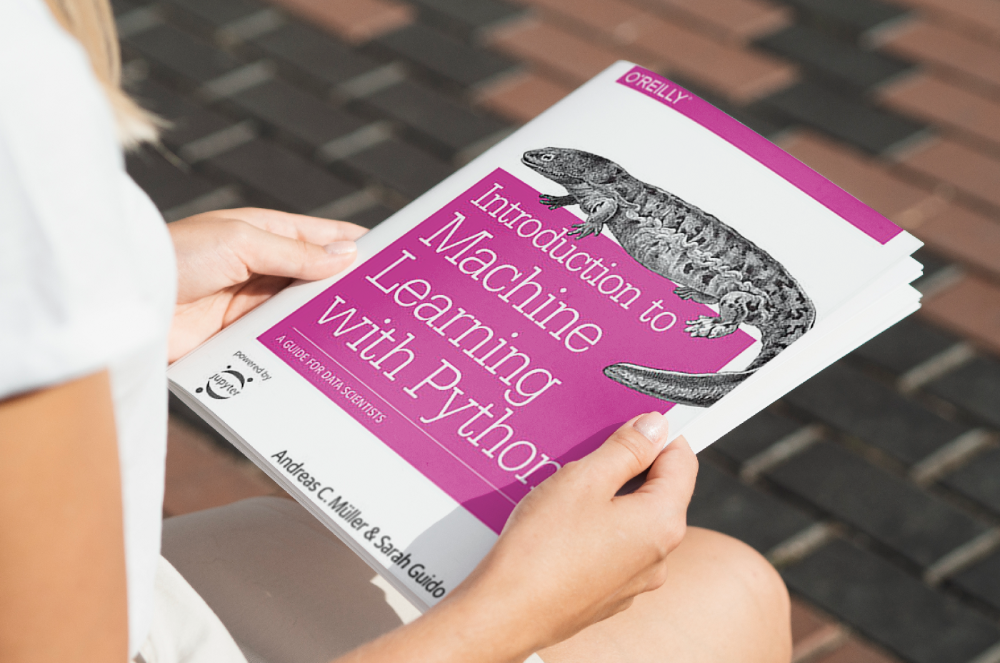
Now, technical documents.
This book is for Python-savvy data scientists who wish to learn machine learning. Authors explain how to use algorithms instead of math theory.
Their technique is ideal for developers who wish to study machine learning basics and use cases. Sci-kit-learn, NumPy, SciPy, pandas, and Jupyter Notebook are covered beyond Python.
If you know machine learning or artificial neural networks, skip this.
7. Python Data Science Handbook: Essential Tools for Working with Data
Author: Jake VanderPlas
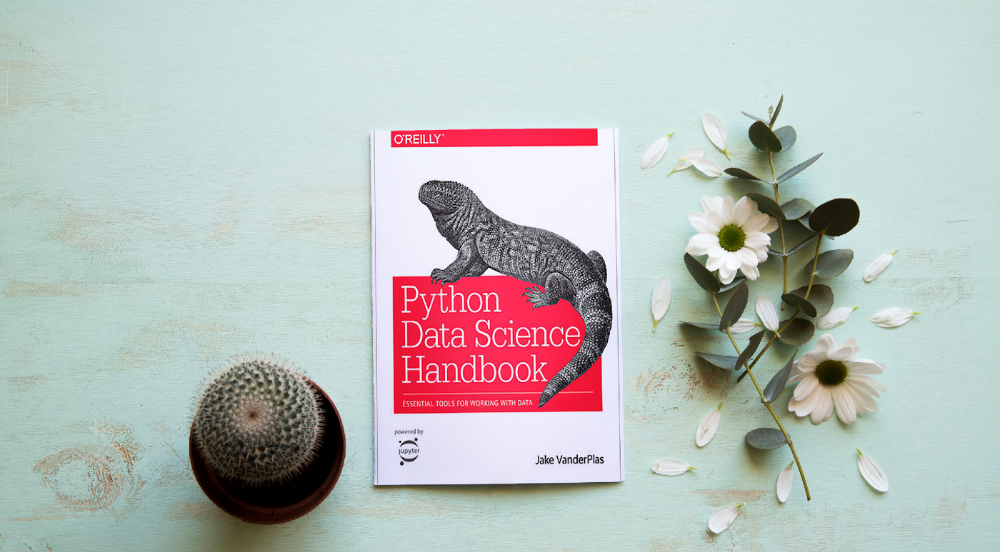
Data work isn't easy. Data manipulation, transformation, cleansing, and visualization must be exact.
Python is a popular tool. The Python Data Science Handbook explains everything. The book describes how to utilize Pandas, Numpy, Matplotlib, Scikit-Learn, and Jupyter for beginners.
The only thing missing is a way to apply your learnings.
8. Python for Data Analysis: Data Wrangling with Pandas, NumPy, and IPython
Author: Wes McKinney
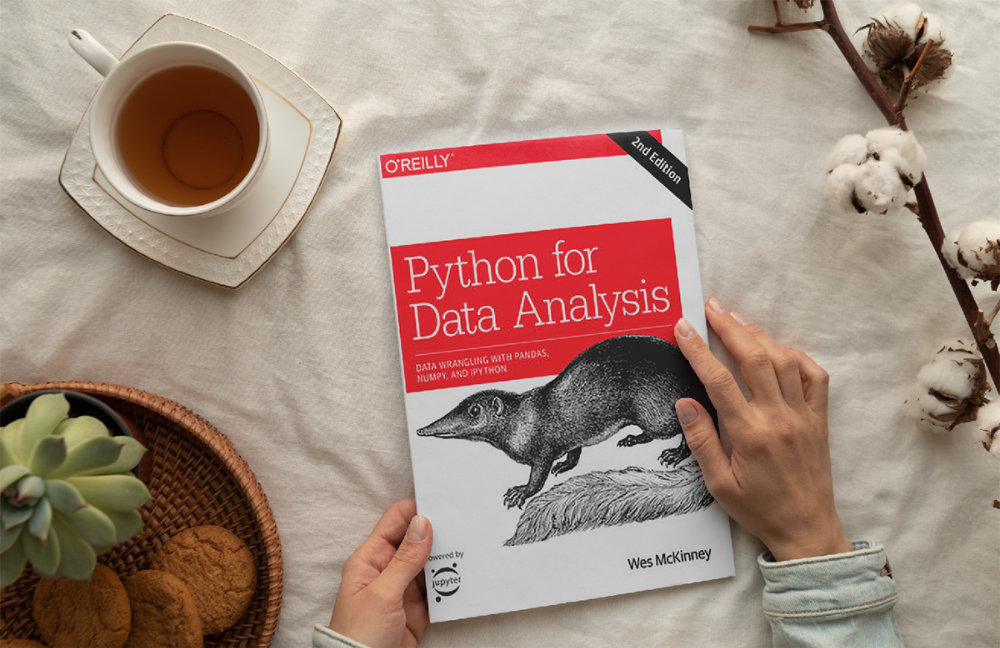
The author leads you through manipulating, processing, cleaning, and analyzing Python datasets using NumPy, Pandas, and IPython.
The book's realistic case studies make it a great resource for Python or scientific computing beginners. Once accomplished, you'll uncover online analytics, finance, social science, and economics solutions.
9. Data Science from Scratch
Author: Joel Grus
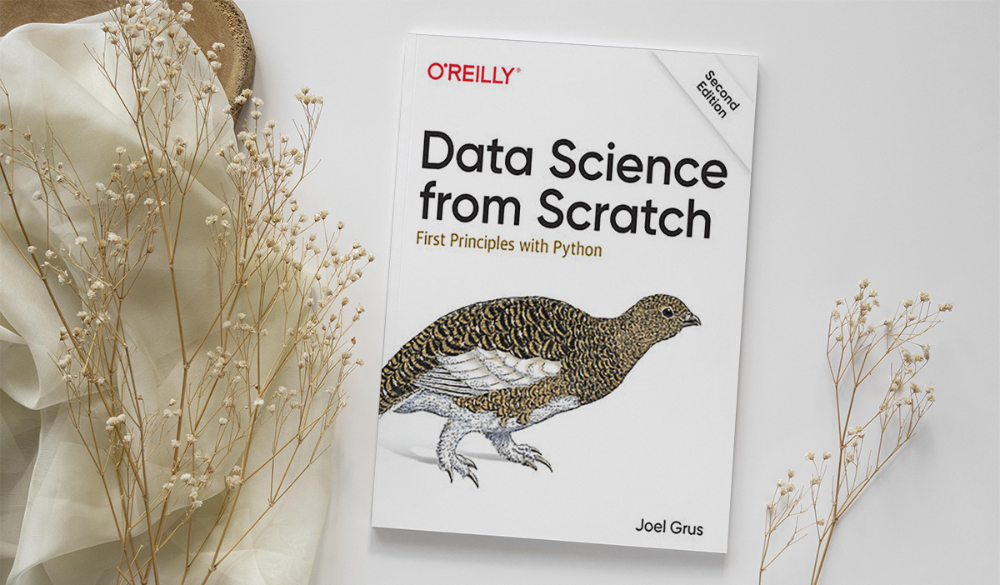
Here's a title for data scientists with Python, stats, maths, and algebra skills (alongside a grasp of algorithms and machine learning). You'll learn data science's essential libraries, frameworks, modules, and toolkits.
The author works through all the key principles, providing you with the practical abilities to develop simple code. The book is appropriate for intermediate programmers interested in data science and machine learning.
Not that prior knowledge is required. The writing style matches all experience levels, but understanding will help you absorb more.
10. Machine Learning Yearning
Author: Andrew Ng
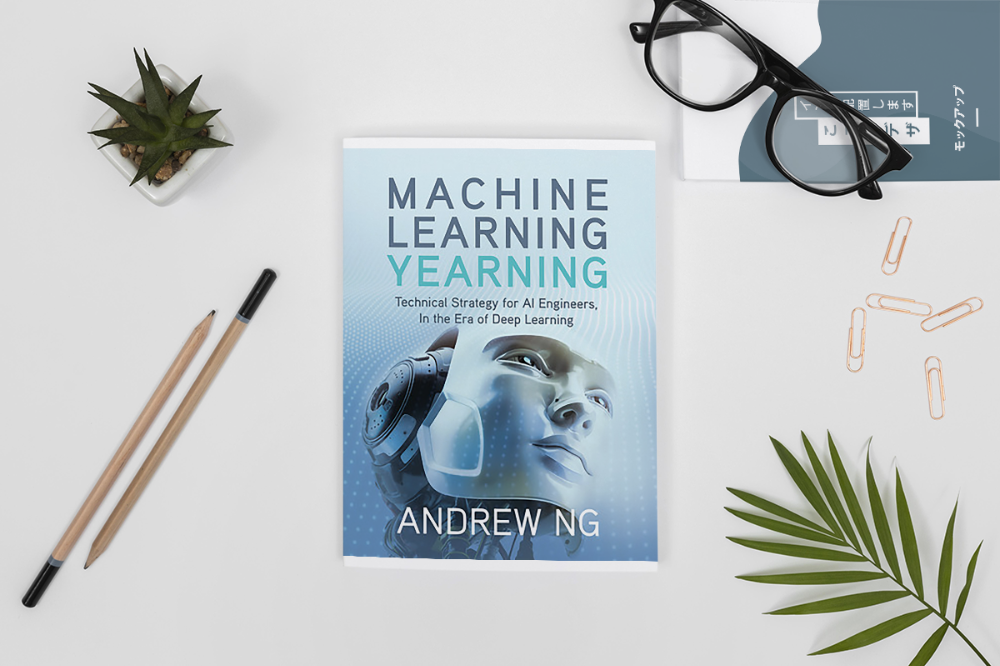
Andrew Ng is a machine learning expert. Co-founded and teaches at Stanford. This free book shows you how to structure an ML project, including recognizing mistakes and building in complex contexts.
The book delivers knowledge and teaches how to apply it, so you'll know how to:
Determine the optimal course of action for your ML project.
Create software that is more effective than people.
Recognize when to use end-to-end, transfer, and multi-task learning, and how to do so.
Identifying machine learning system flaws
Ng writes easy-to-read books. No rigorous math theory; just a terrific approach to understanding how to make technical machine learning decisions.
11. Deep Learning with PyTorch Step-by-Step
Author: Daniel Voigt Godoy
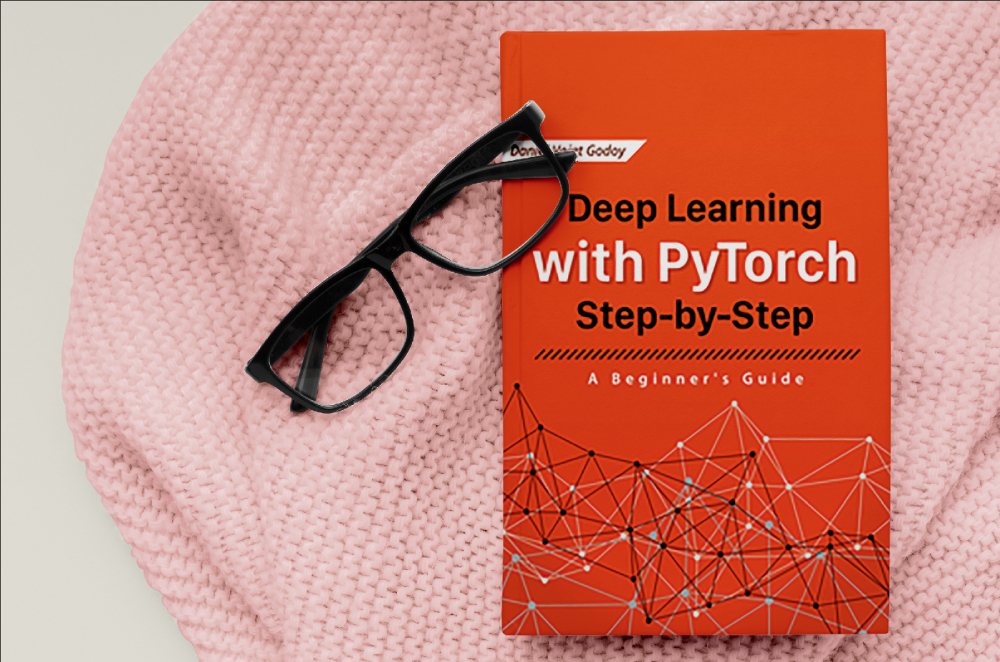
The last title is also the most recent. The book was revised on 23 January 2022 to discuss Deep Learning and PyTorch, a Python coding tool.
It comprises four parts:
Fundamentals (gradient descent, training linear and logistic regressions in PyTorch)
Machine Learning (deeper models and activation functions, convolutions, transfer learning, initialization schemes)
Sequences (RNN, GRU, LSTM, seq2seq models, attention, self-attention, transformers)
Automatic Language Recognition (tokenization, embeddings, contextual word embeddings, ELMo, BERT, GPT-2)
We admire the book's readability. The author avoids difficult mathematical concepts, making the material feel like a conversation.
Is every data scientist a humanist?
Even as a technological professional, you can't escape human interaction, especially with clients.
We hope these books will help you develop interpersonal skills.
You might also like

Bloomberg
3 years ago
Expulsion of ten million Ukrainians
According to recent data from two UN agencies, ten million Ukrainians have been displaced.
The International Organization for Migration (IOM) estimates nearly 6.5 million Ukrainians have relocated. Most have fled the war zones around Kyiv and eastern Ukraine, including Dnipro, Zhaporizhzhia, and Kharkiv. Most IDPs have fled to western and central Ukraine.
Since Russia invaded on Feb. 24, 3.6 million people have crossed the border to seek refuge in neighboring countries, according to the latest UN data. While most refugees have fled to Poland and Romania, many have entered Russia.
Internally displaced figures are IOM estimates as of March 19, based on 2,000 telephone interviews with Ukrainians aged 18 and older conducted between March 9-16. The UNHCR compiled the figures for refugees to neighboring countries on March 21 based on official border crossing data and its own estimates. The UNHCR's top-line total is lower than the country totals because Romania and Moldova totals include people crossing between the two countries.
Sources: IOM, UNHCR
According to IOM estimates based on telephone interviews with a representative sample of internally displaced Ukrainians, over 53% of those displaced are women, and over 60% of displaced households have children.

Julie Zhuo
2 years ago
Comparing poor and excellent managers
10-sketch explanation
Choosing Tasks
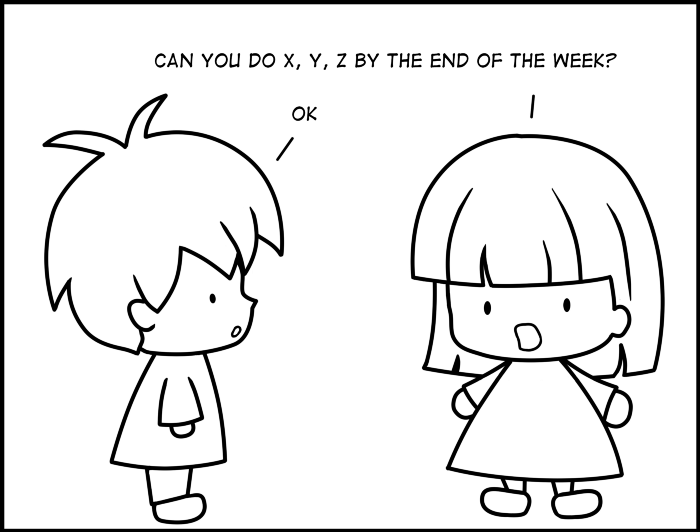
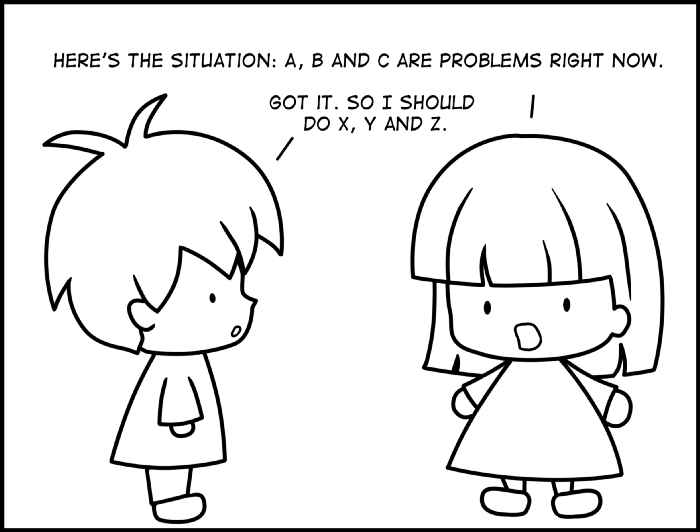
Bringing News
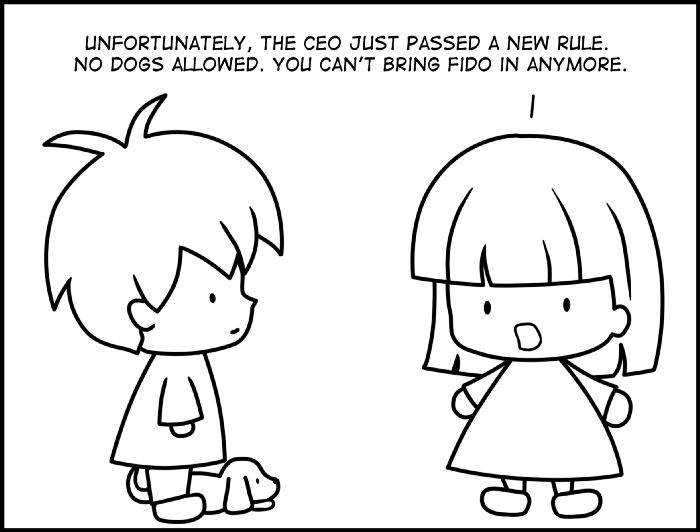

carrying out 1:1s
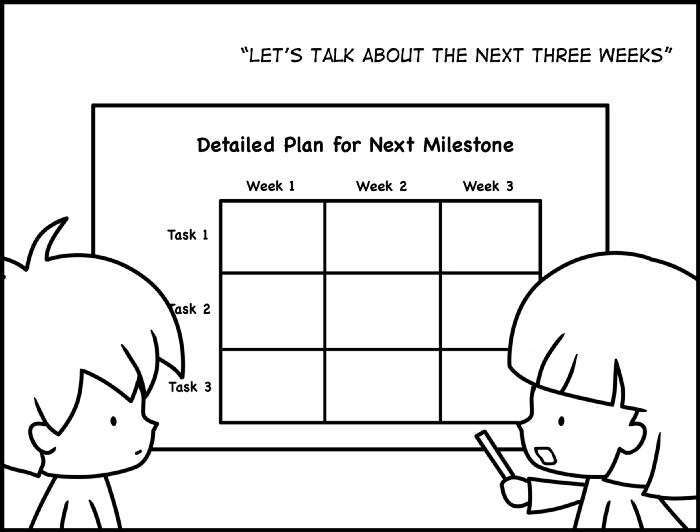
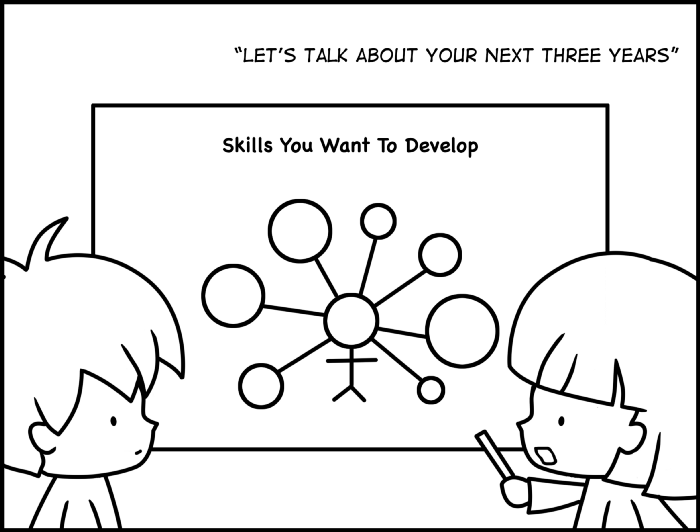
providing critique
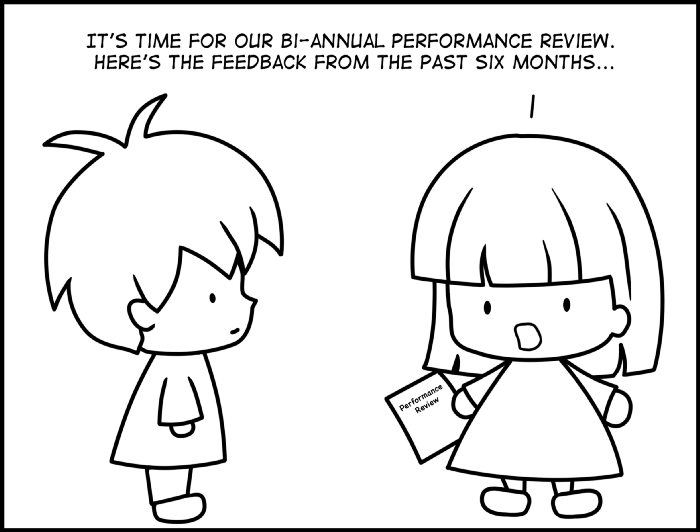
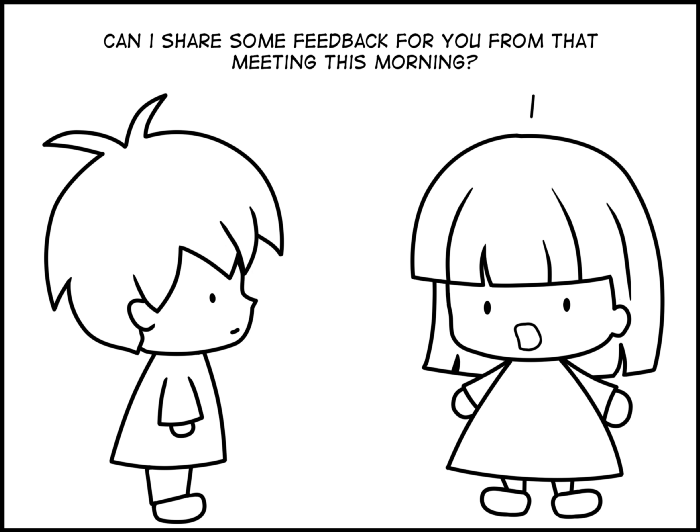
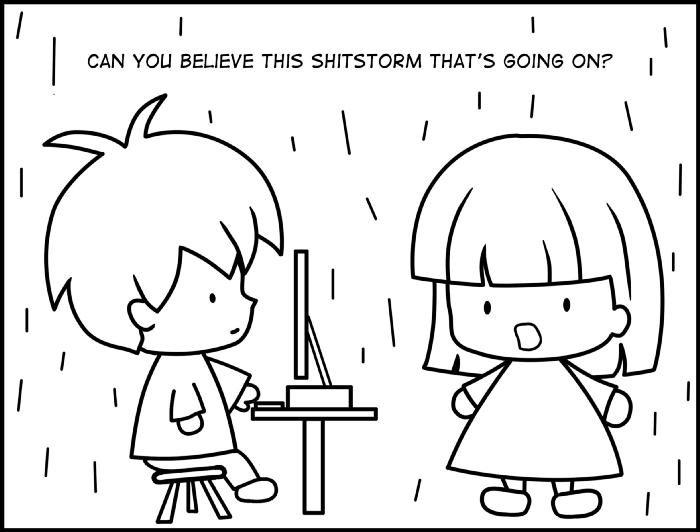
Managing Turbulence

Rick Blyth
3 years ago
Looking for a Reliable Micro SaaS Niche
Niches are rich, as the adage goes.
Micro SaaS requires a great micro-niche; otherwise, it's merely plain old SaaS with a large audience.
Instead of targeting broad markets with few identifying qualities, specialise down to a micro-niche. How would you target these users?
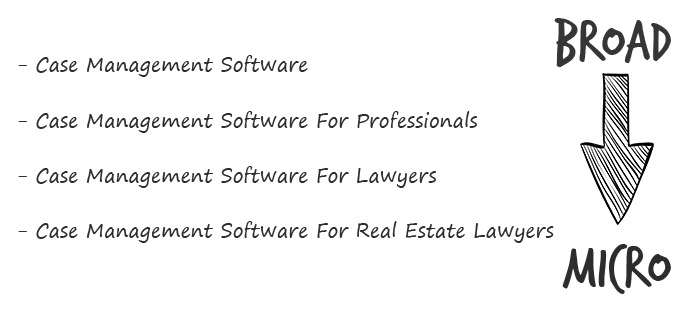
Better go tiny. You'll locate and engage new consumers more readily and serve them better with a customized solution.
Imagine you're a real estate lawyer looking for a case management solution. Because it's so specific to you, you'd be lured to this link:

instead of below:

Next, locate mini SaaS niches that could work for you. You're not yet looking at the problems/solutions in these areas, merely shortlisting them.
The market should be growing, not shrinking
We shouldn't design apps for a declining niche. We intend to target stable or growing niches for the next 5 to 10 years.
If it's a developing market, you may be able to claim a stake early. You must balance this strategy with safer, longer-established niches (accountancy, law, health, etc).
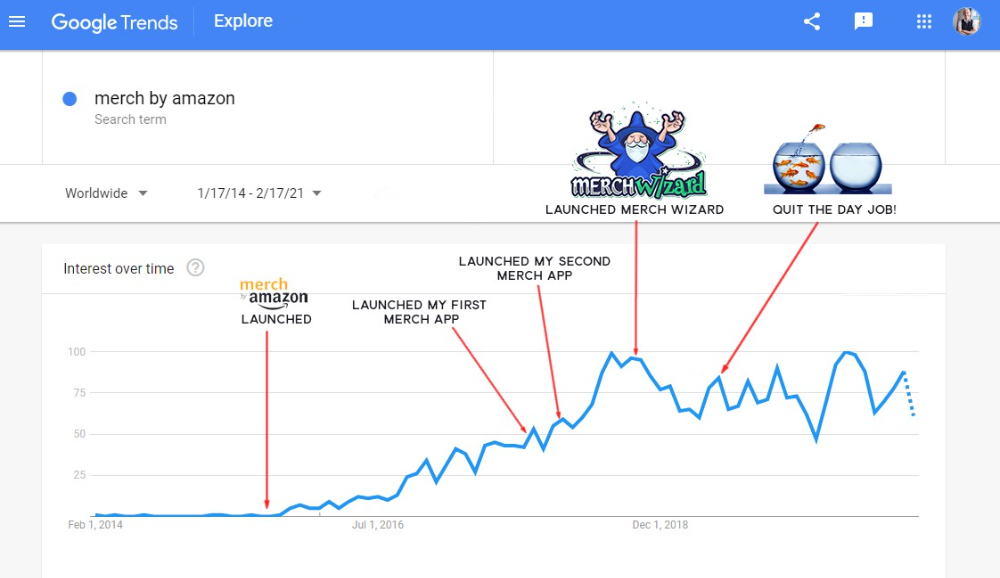
First Micro SaaS apps I designed were for Merch By Amazon creators, a burgeoning niche. I found this niche when searching for passive income.
Graphic designers and entrepreneurs post their art to Amazon to sell on clothes. When Amazon sells their design, they get a royalty. Since 2015, this platform and specialty have grown dramatically.
Amazon doesn't publicize the amount of creators on the platform, but it's possible to approximate by looking at Facebook groups, Reddit channels, etc.
I could see the community growing week by week, with new members joining. Merch was an up-and-coming niche, and designers made money when their designs sold. All I had to do was create tools that let designers focus on making bestselling designs.
Look at the Google Trends graph below to see how this niche has evolved and when I released my apps and resigned my job.
Are the users able to afford the tools?
Who's your average user? Consumer or business? Is your solution budgeted?
If they're students, you'll struggle to convince them to subscribe to your study-system app (ahead of video games and beer).
Let's imagine you designed a Shopify plugin that emails customers when a product is restocked. If your plugin just needs 5 product sales a month to justify its cost, everyone wins (just be mindful that one day Shopify could potentially re-create your plugins functionality within its core offering making your app redundant ).
Do specialized users buy tools? If so, that's comforting. If not, you'd better have a compelling value proposition for your end customer if you're the first.
This should include how much time or money your program can save or make the user.
Are you able to understand the Micro SaaS market?
Ideally, you're already familiar about the industry/niche. Maybe you're fixing a challenge from your day job or freelance work.
If not, evaluate how long it would take to learn the niche's users. Health & Fitness is easier to relate to and understand than hedge fund derivatives trading.
Competing in these complex (and profitable) fields might offer you an edge.
B2C, B2M, or B2B?
Consider your user base's demographics. Will you target businesses, consumers, or both? Let's examine the different consumer types:
B2B refers to business-to-business transactions where customers are other businesses. UpVoty, Plutio, Slingshot, Salesforce, Atlassian, and Hubspot are a few examples of SaaS, ranging from Micro SaaS to SaaS.
Business to Consumer (B2C), in which your clients are people who buy things. For instance, Duolingo, Canva, and Nomad List.
For instance, my tool KDP Wizard has a mixed user base of publishing enterprises and also entrepreneurial consumers selling low-content books on Amazon. This is a case of business to many (B2M), where your users are a mixture of businesses and consumers. There is a large SaaS called Dropbox that offers both personal and business plans.
Targeting a B2B vs. B2C niche is very different. The sales cycle differs.
A B2B sales staff must make cold calls to potential clients' companies. Long sales, legal, and contractual conversations are typically required for each business to get the go-ahead. The cost of obtaining a new customer is substantially more than it is for B2C, despite the fact that the recurring fees are significantly higher.
Since there is typically only one individual making the purchasing decision, B2C signups are virtually always self-service with reduced recurring fees. Since there is typically no outbound sales staff in B2C, acquisition costs are significantly lower than in B2B.
User Characteristics for B2B vs. B2C
Consider where your niche's users congregate if you don't already have a presence there.
B2B users frequent LinkedIn and Twitter. B2C users are on Facebook/Instagram/Reddit/Twitter, etc.
Churn is higher in B2C because consumers haven't gone through all the hoops of a B2B sale. Consumers are more unpredictable than businesses since they let their bank cards exceed limitations or don't update them when they expire.
With a B2B solution, there's a contractual arrangement and the firm will pay the subscription as long as they need it.
Depending on how you feel about the above (sales team vs. income vs. churn vs. targeting), you'll know which niches to pursue.
You ought to respect potential customers.
Would you hang out with customers?
You'll connect with users at conferences (in-person or virtual), webinars, seminars, screenshares, Facebook groups, emails, support calls, support tickets, etc.
If talking to a niche's user base makes you shudder, you're in for a tough road. Whether they're demanding or dull, avoid them if possible.
Merch users are mostly graphic designers, side hustlers, and entrepreneurs. These laid-back users embrace technologies that assist develop their Merch business.
I discovered there was only one annual conference for this specialty, held in Seattle, USA. I decided to organize a conference for UK/European Merch designers, despite never having done so before.
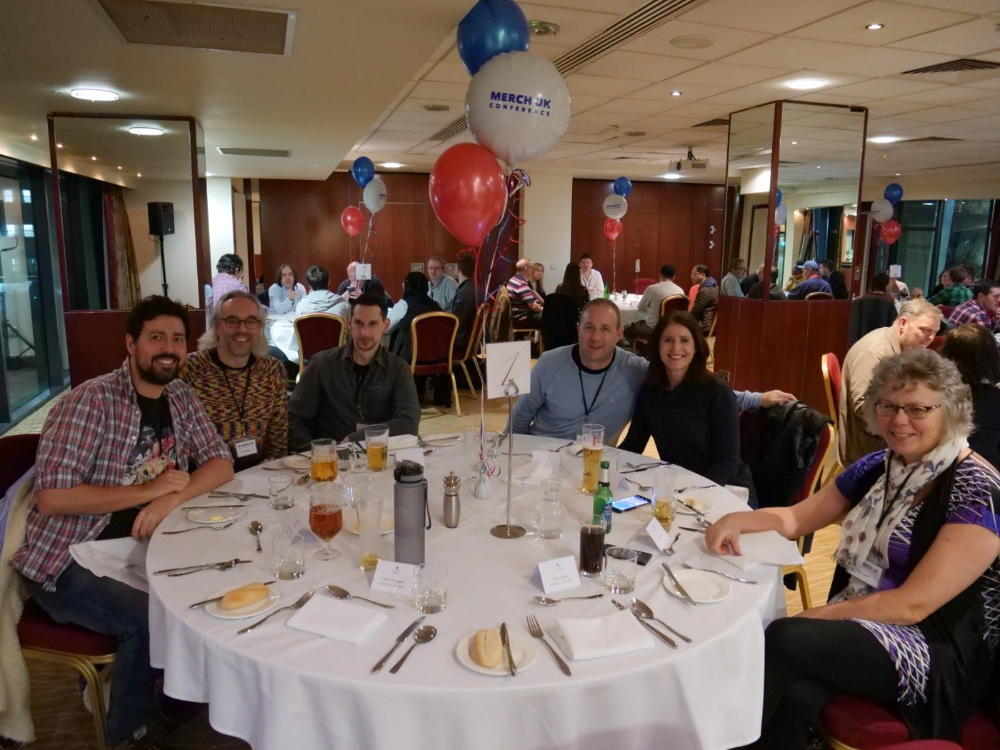
Hosting a conference for over 80 people was stressful, and it turned out to be much bigger than expected, with attendees from the US, Europe, and the UK.
I met many specialized users, built relationships, gained trust, and picked their brains in person. Many of the attendees were already Merch Wizard users, so hearing their feedback and ideas for future features was invaluable.
focused and specific
Instead of building for a generic, hard-to-reach market, target a specific group.
I liken it to fishing in a little, hidden pond. This small pond has only one species of fish, so you learn what bait it likes. Contrast that with trawling for hours to catch as many fish as possible, even if some aren't what you want.
In the case management scenario, it's difficult to target leads because several niches could use the app. Where do your potential customers hang out? Your generic solution: No.
It's easier to join a community of Real Estate Lawyers and see if your software can answer their pain points.
My Success with Micro SaaS
In my case, my Micro SaaS apps have been my chrome extensions. Since I launched them, they've earned me an average $10k MRR, allowing me to quit my lousy full-time job years ago.
I sold my apps after scaling them for a life-changing lump amount. Since then, I've helped unfulfilled software developers escape the 9-5 through Micro SaaS.
Whether it's a profitable side hustle or a liferaft to quit their job and become their own Micro SaaS boss.
Having built my apps to the point where I could quit my job, then scaled and sold them, I feel I can share my skills with software developers worldwide.
Read my free guide on self-funded SaaS to discover more about Micro SaaS, or download your own copy. 12 chapters cover everything from Idea to Exit.
Watch my YouTube video to learn how to construct a Micro SaaS app in 10 steps.