


Yuga Labs’ Otherdeeds NFT mint triggers backlash from community
Unhappy community members accuse Yuga Labs of fraud, manipulation, and favoritism over Otherdeeds NFT mint.
Following the Otherdeeds NFT mint, disgruntled community members took to Twitter to criticize Yuga Labs' handling of the event.
Otherdeeds NFTs were a huge hit with the community, selling out almost instantly. Due to high demand, the launch increased Ethereum gas fees from 2.6 ETH to 5 ETH.
But the event displeased many people. Several users speculated that the mint was “planned to fail” so the group could advertise launching its own blockchain, as the team mentioned a chain migration in one tweet.
Others like Mark Beylin tweeted that he had "sold out" on all Ape-related NFT investments after Yuga Labs "revealed their true colors." Beylin also advised others to assume Yuga Labs' owners are “bad actors.”
Some users who failed to complete transactions claim they lost ETH. However, Yuga Labs promised to refund lost gas fees.
CryptoFinally, a Twitter user, claimed Yuga Labs gave BAYC members better land than non-members. Others who wanted to participate paid for shittier land, while BAYCS got the only worthwhile land.
The Otherdeed NFT drop also increased Ethereum's burn rate. Glassnode and Data Always reported nearly 70,000 ETH burned on mint day.
More on NFTs & Art

shivsak
3 years ago
A visual exploration of the REAL use cases for NFTs in the Future
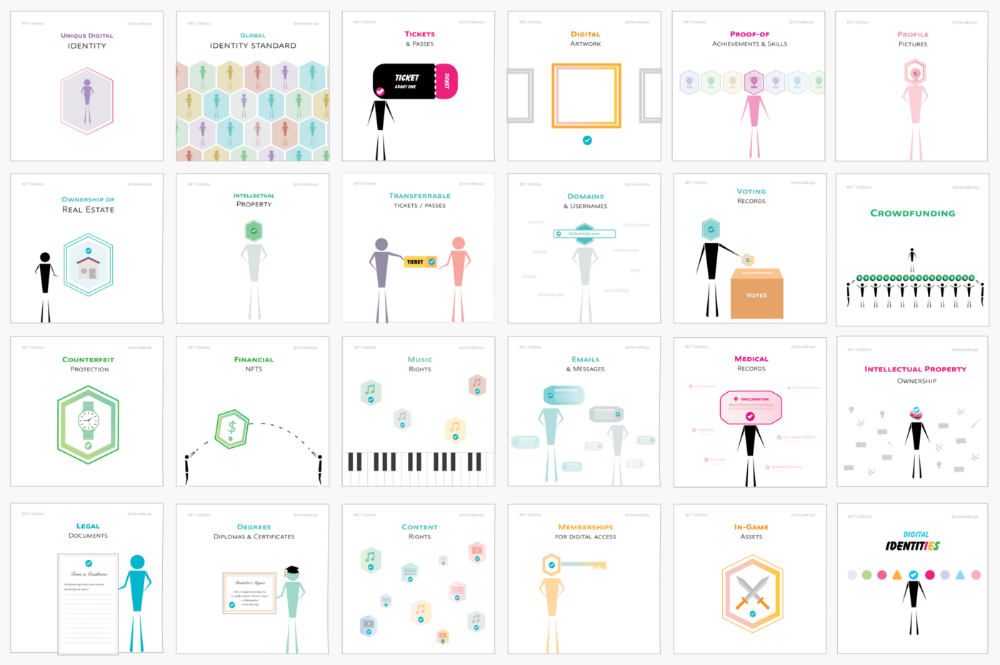
In this essay, I studied REAL NFT use examples and their potential uses.
Knowledge of the Hype Cycle
Gartner's Hype Cycle.
It proposes 5 phases for disruptive technology.
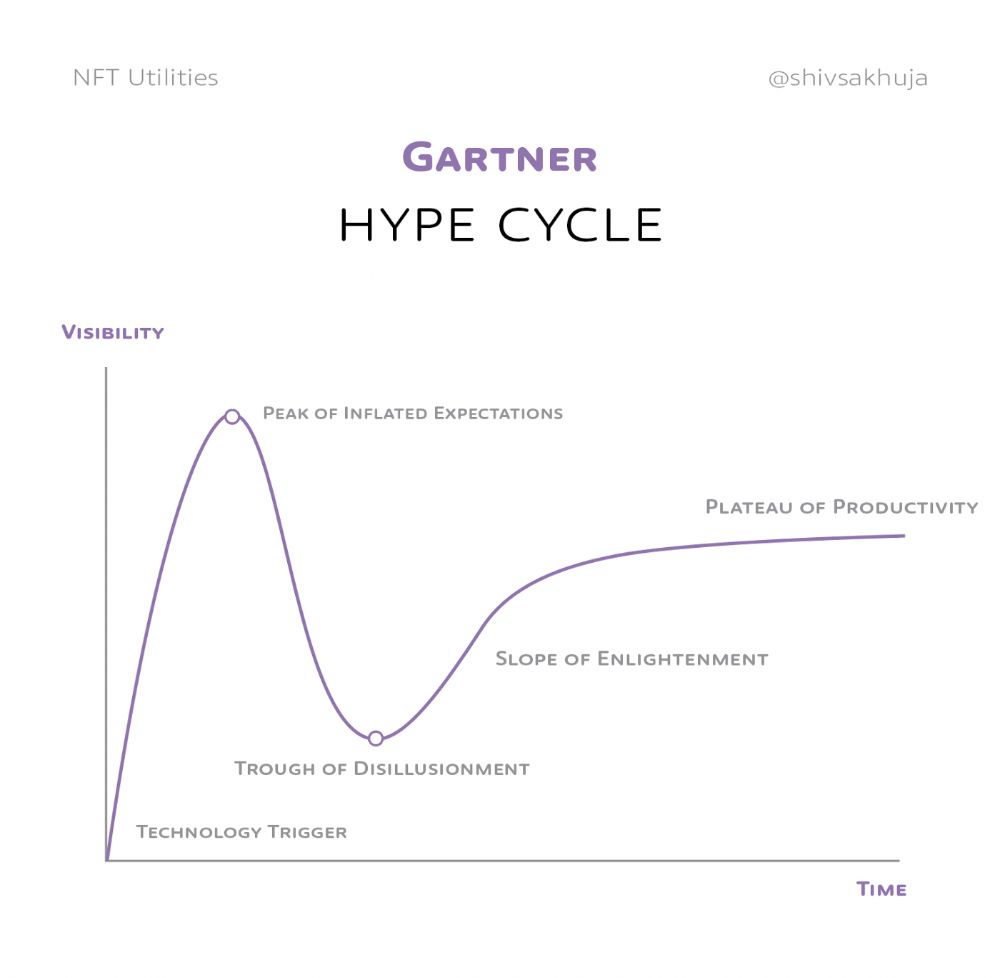
1. Technology Trigger: the emergence of potentially disruptive technology.
2. Peak of Inflated Expectations: Early publicity creates hype. (Ex: 2021 Bubble)
3. Trough of Disillusionment: Early projects fail to deliver on promises and the public loses interest. I suspect NFTs are somewhere around this trough of disillusionment now.
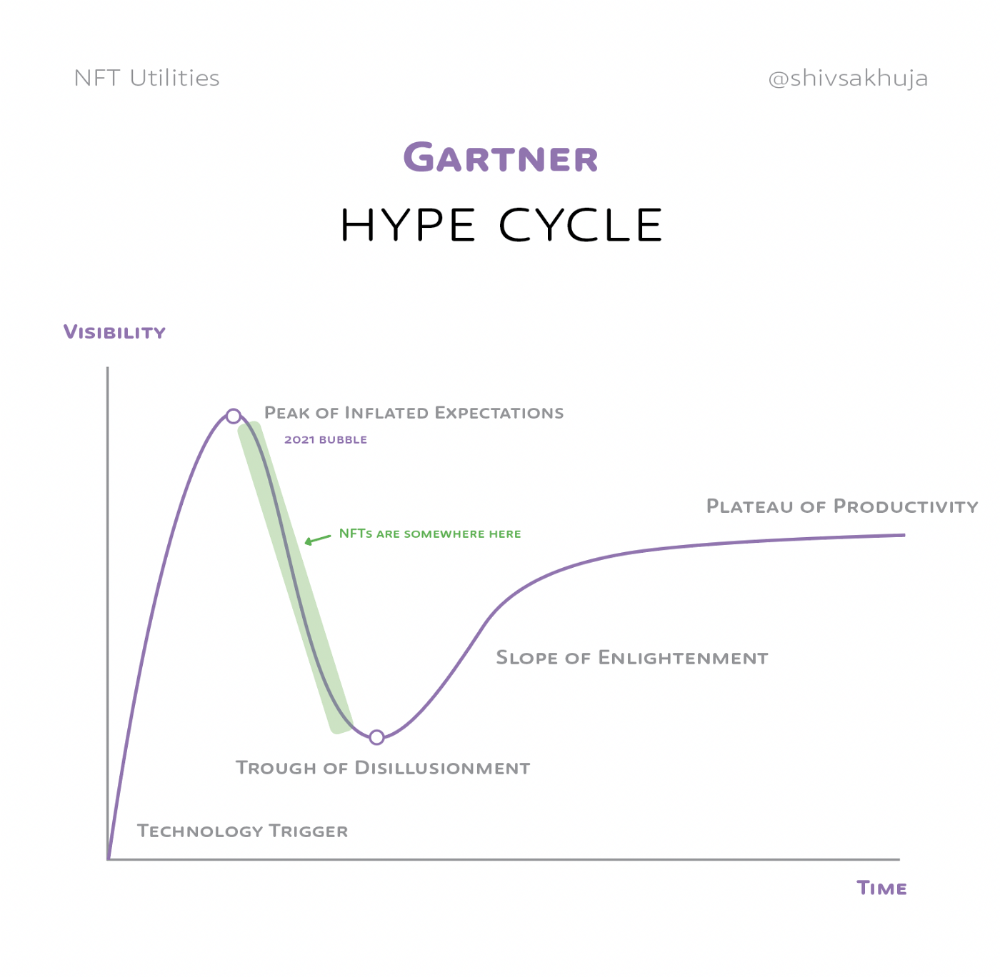
4. Enlightenment slope: The tech shows successful use cases.
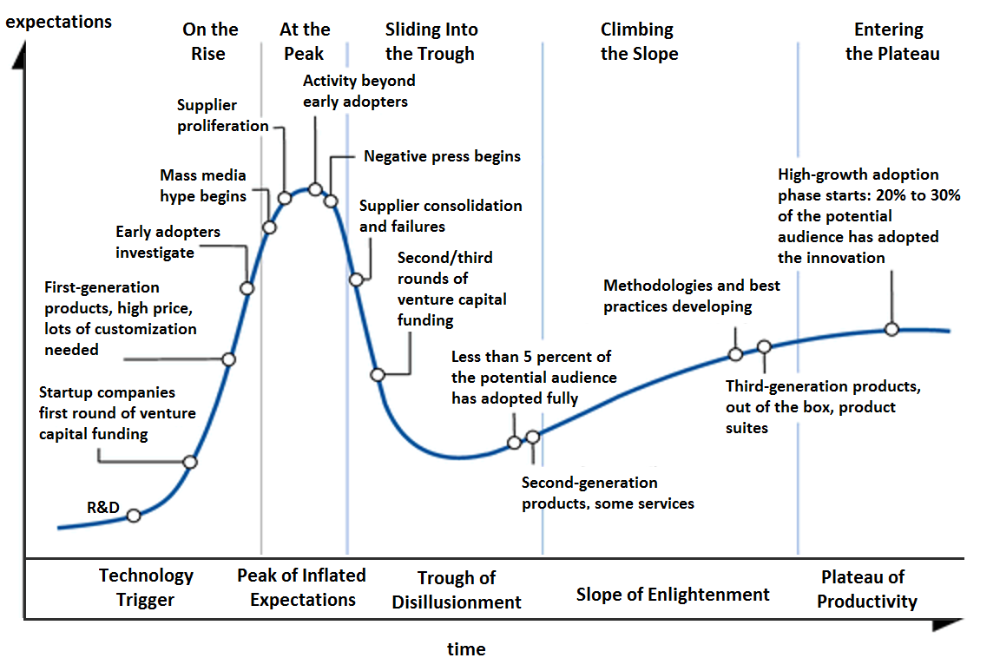
5. Plateau of Productivity: Mainstream adoption has arrived and broader market applications have proven themselves. Here’s a more detailed visual of the Gartner Hype Cycle from Wikipedia.
In the speculative NFT bubble of 2021, @beeple sold Everydays: the First 5000 Days for $69 MILLION in 2021's NFT bubble.
@nbatopshot sold millions in video collectibles.
This is when expectations peaked.
Let's examine NFTs' real-world applications.
Watch this video if you're unfamiliar with NFTs.
Online Art
Most people think NFTs are rich people buying worthless JPEGs and MP4s.
Digital artwork and collectibles are revolutionary for creators and enthusiasts.
NFT Profile Pictures
You might also have seen NFT profile pictures on Twitter.
My profile picture is an NFT I coined with @skogards factoria app, which helps me avoid bogus accounts.
Profile pictures are a good beginning point because they're unique and clearly yours.
NFTs are a way to represent proof-of-ownership. It’s easier to prove ownership of digital assets than physical assets, which is why artwork and pfps are the first use cases.
They can do much more.
NFTs can represent anything with a unique owner and digital ownership certificate. Domains and usernames.
Usernames & Domains
@unstoppableweb, @ensdomains, @rarible sell NFT domains.
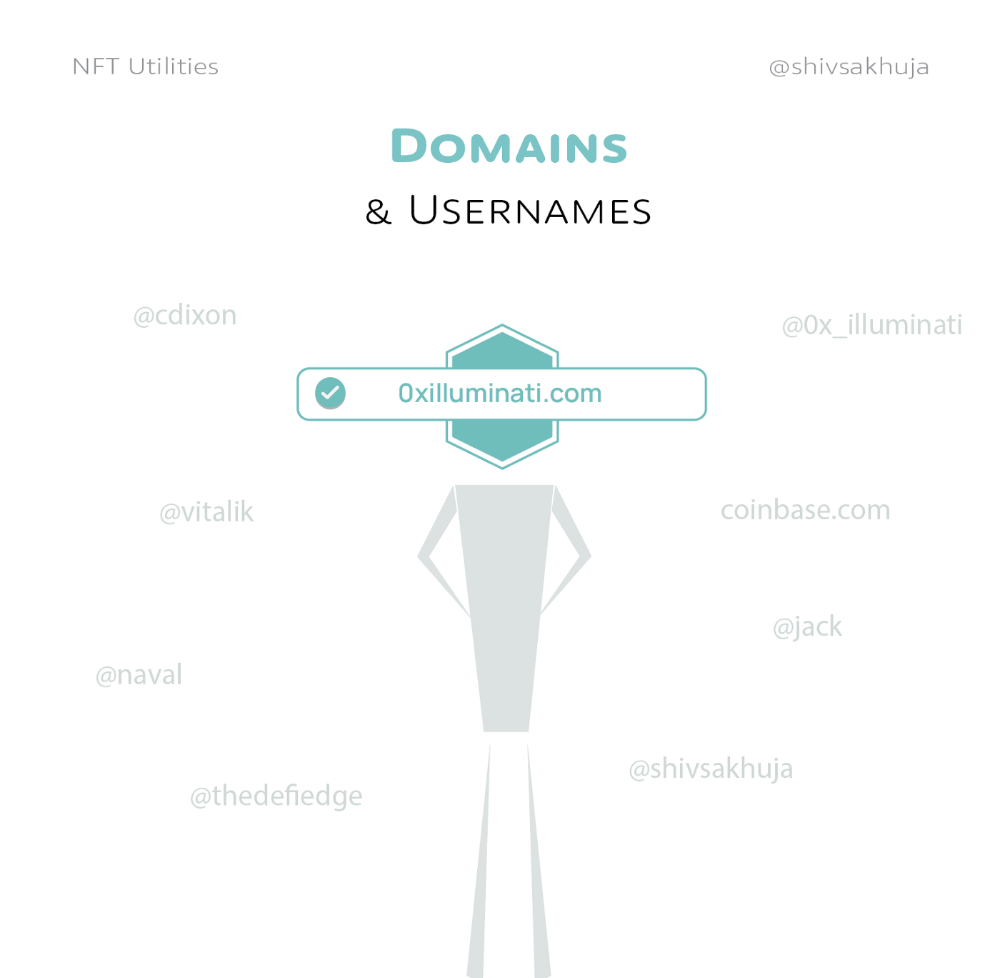
NFT domains are transferable, which is a benefit.
Godaddy and other web2 providers have difficult-to-transfer domains. Domains are often leased instead of purchased.
Tickets
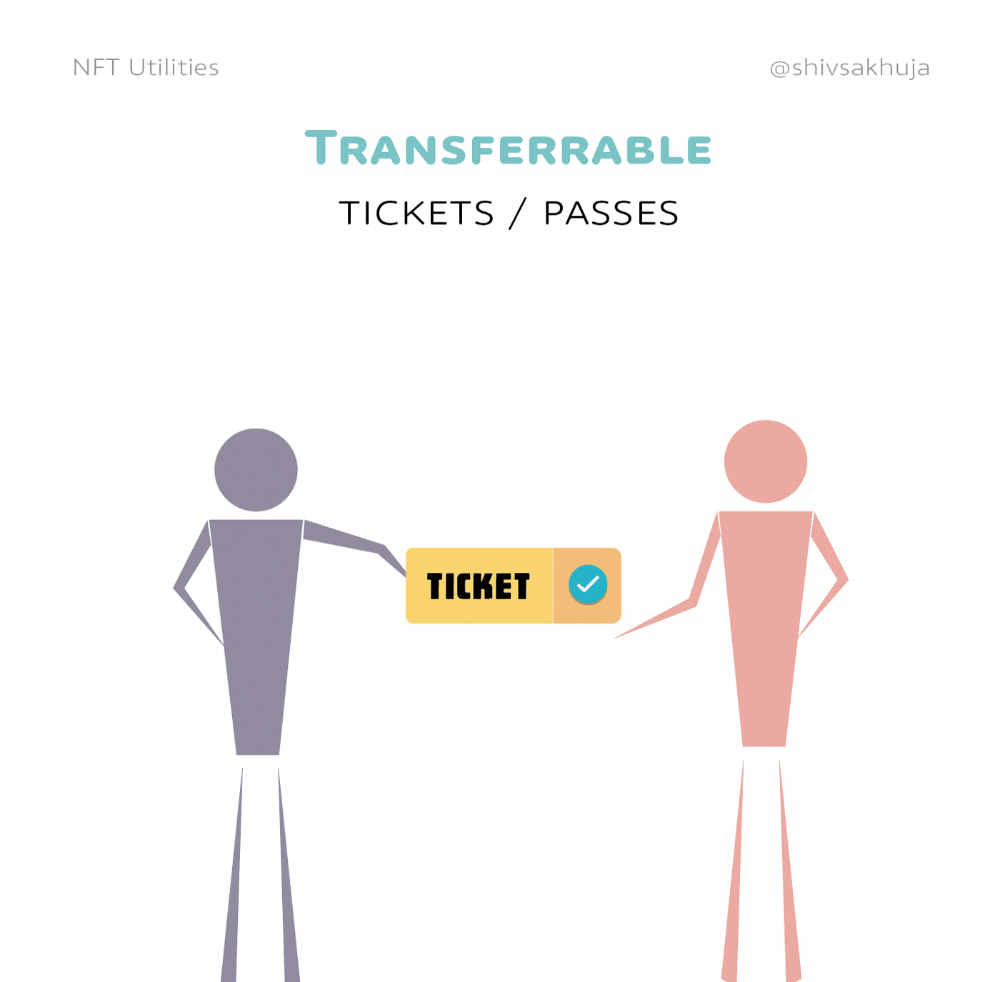
NFTs can also represent concert tickets and event passes.
There's a limited number, and entry requires proof.
NFTs can eliminate the problem of forgery and make it easy to verify authenticity and ownership.
NFT tickets can be traded on the secondary market, which allows for:
marketplaces that are uniform and offer the seller and buyer security (currently, tickets are traded on inefficient markets like FB & craigslist)
unbiased pricing
Payment of royalties to the creator
4. Historical ticket ownership data implies performers can airdrop future passes, discounts, etc.
5. NFT passes can be a fandom badge.
The $30B+ online tickets business is increasing fast.
NFT-based ticketing projects:
Gaming Assets
NFTs also help in-game assets.
Imagine someone spending five years collecting a rare in-game blade, then outgrowing or quitting the game. Gamers value that collectible.
The gaming industry is expected to make $200 BILLION in revenue this year, a significant portion of which comes from in-game purchases.
Royalties on secondary market trading of gaming assets encourage gaming businesses to develop NFT-based ecosystems.
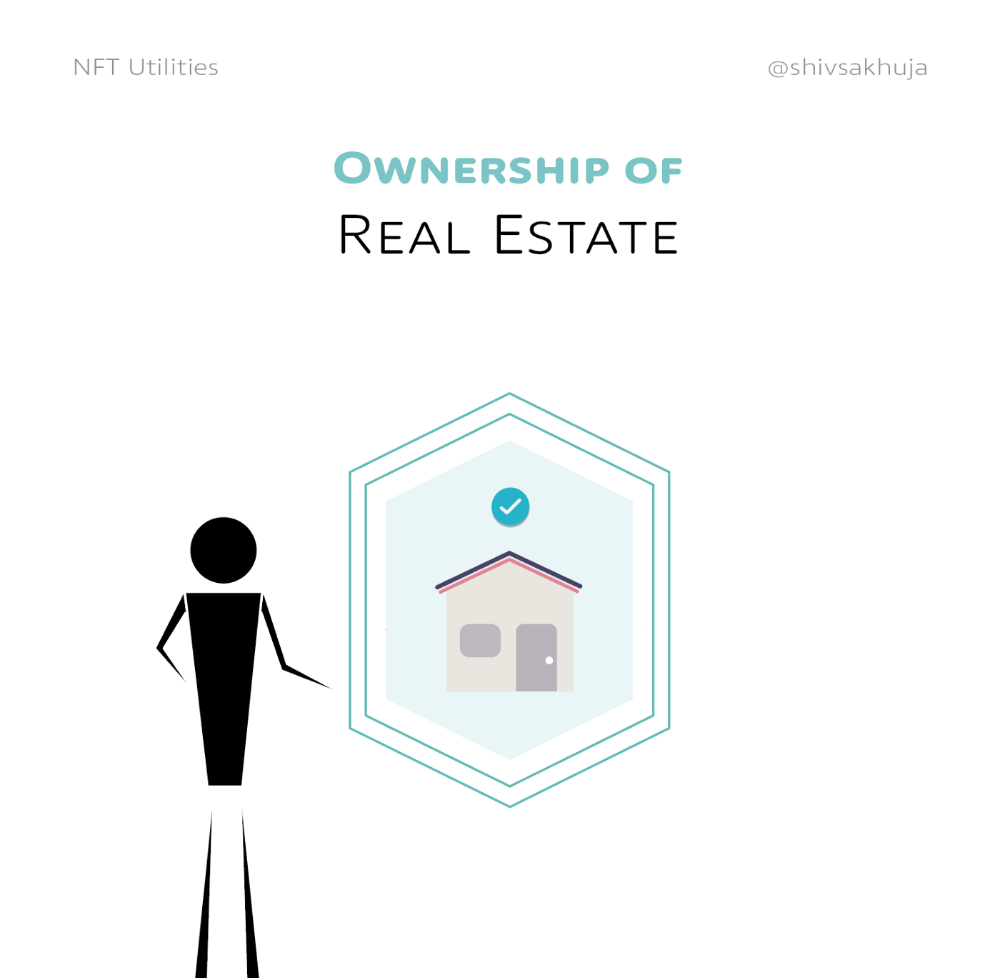
Digital assets are the start. On-chain NFTs can represent real-world assets effectively.
Real estate has a unique owner and requires ownership confirmation.
Real Estate
Tokenizing property has many benefits.
1. Can be fractionalized to increase access, liquidity
2. Can be collateralized to increase capital efficiency and access to loans backed by an on-chain asset
3. Allows investors to diversify or make bets on specific neighborhoods, towns or cities +++
I've written about this thought exercise before.
I made an animated video explaining this.
We've just explored NFTs for transferable assets. But what about non-transferrable NFTs?
SBTs are Soul-Bound Tokens. Vitalik Buterin (Ethereum co-founder) blogged about this.
NFTs are basically verifiable digital certificates.
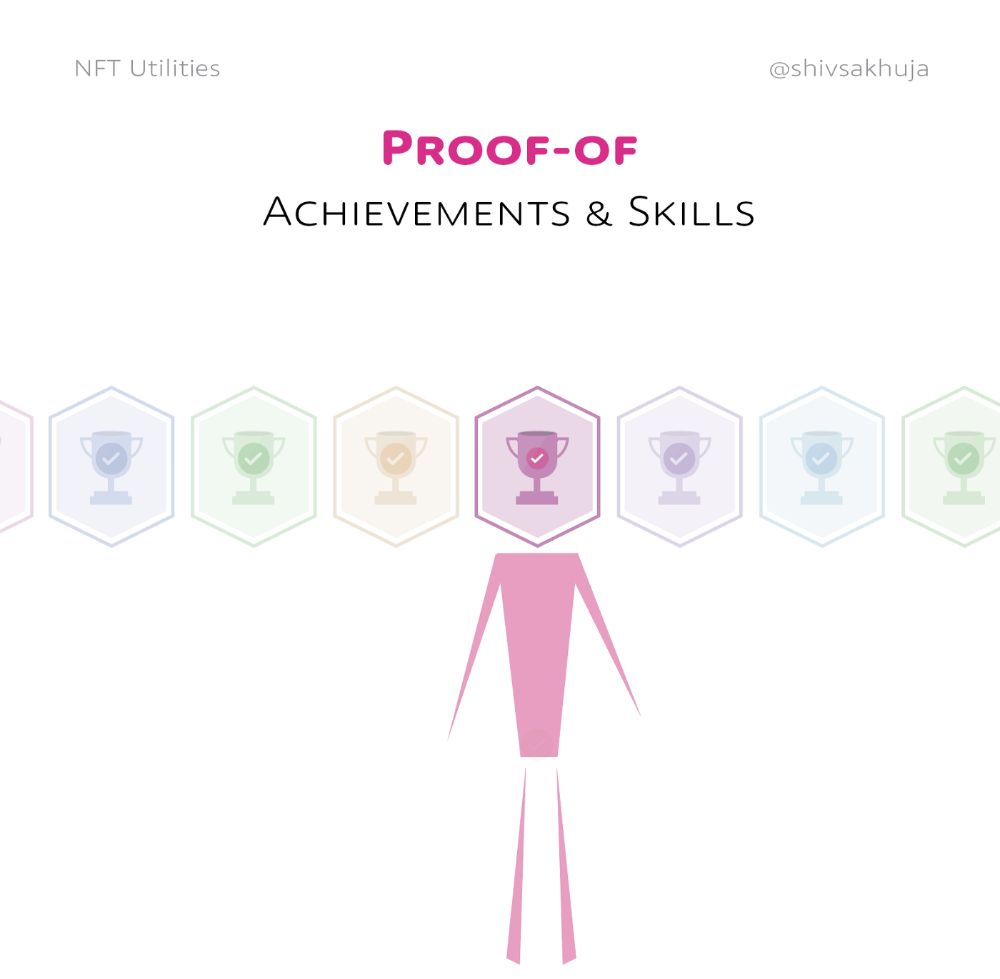
Diplomas & Degrees
That fits Degrees & Diplomas. These shouldn't be marketable, thus they can be non-transferable SBTs.
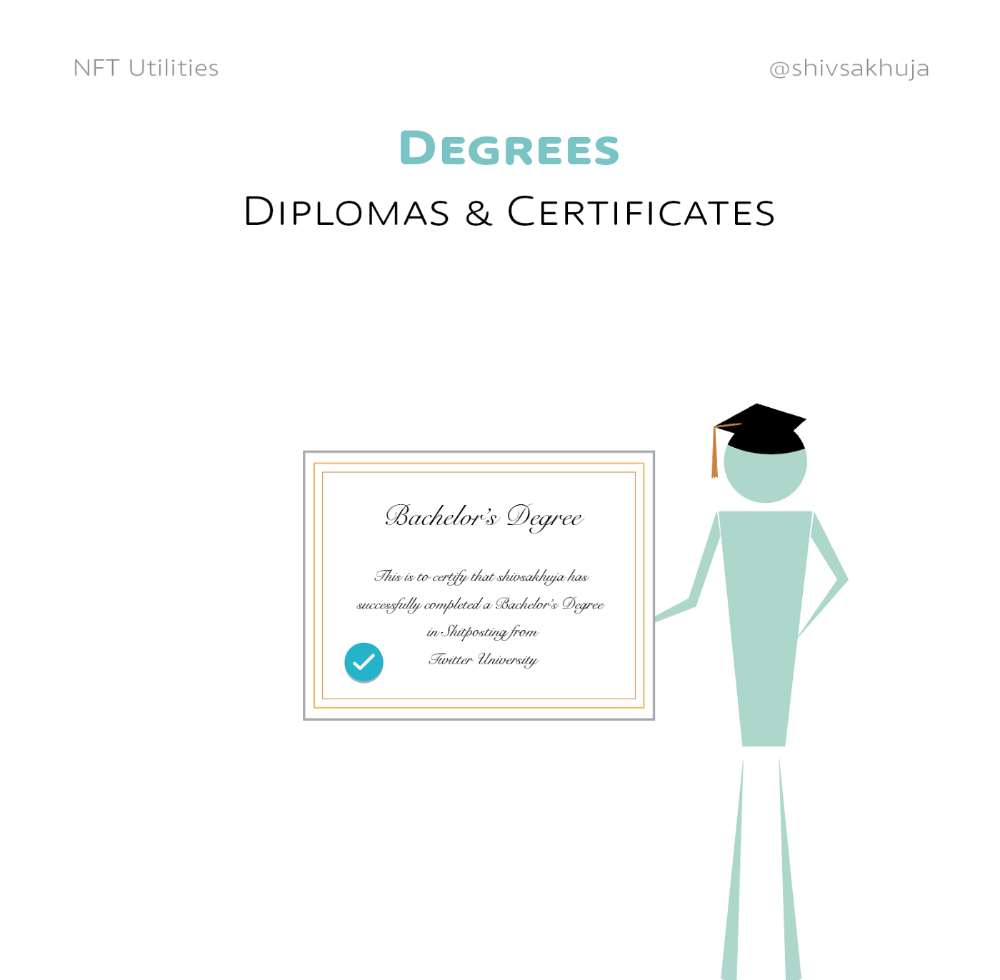
Anyone can verify the legitimacy of on-chain credentials, degrees, abilities, and achievements.
The same goes for other awards.
For example, LinkedIn could give you a verified checkmark for your degree or skills.
Authenticity Protection
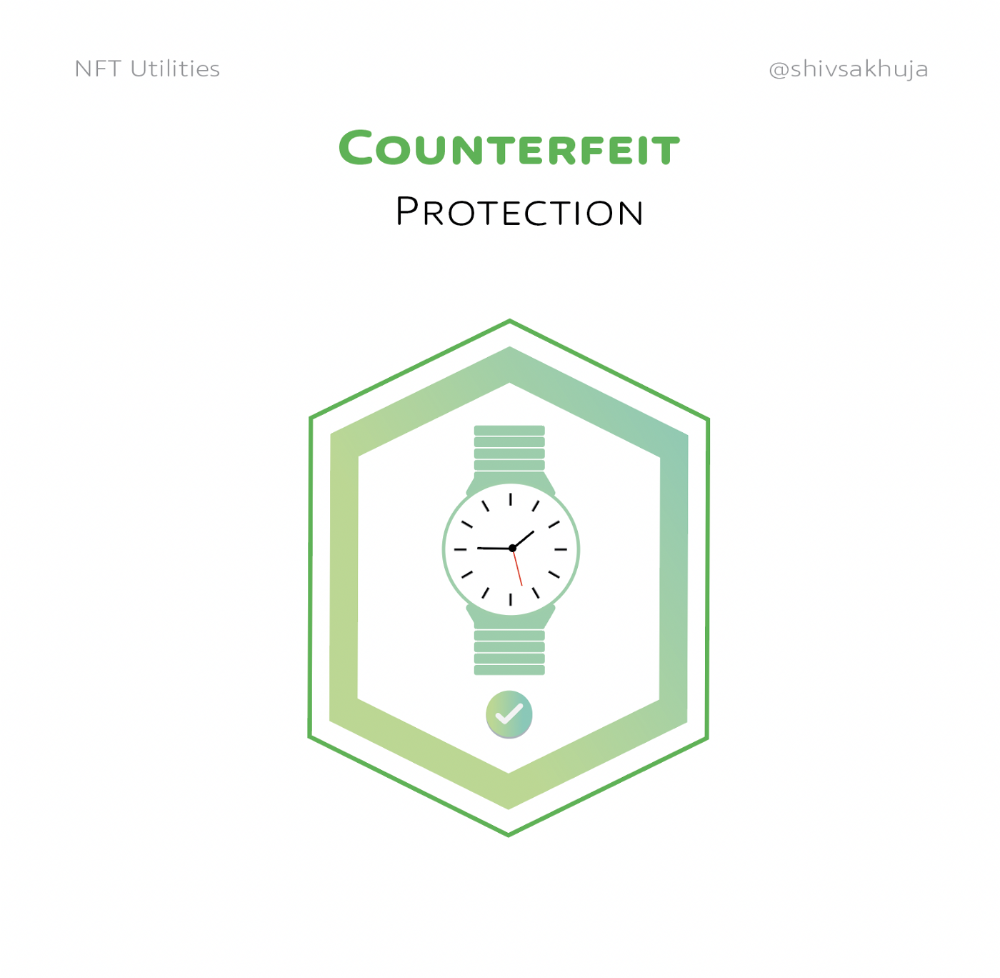
NFTs can also safeguard against counterfeiting.
Counterfeiting is the largest criminal enterprise in the world, estimated to be $2 TRILLION a year and growing.
Anti-counterfeit tech is valuable.
This is one of @ORIGYNTech's projects.
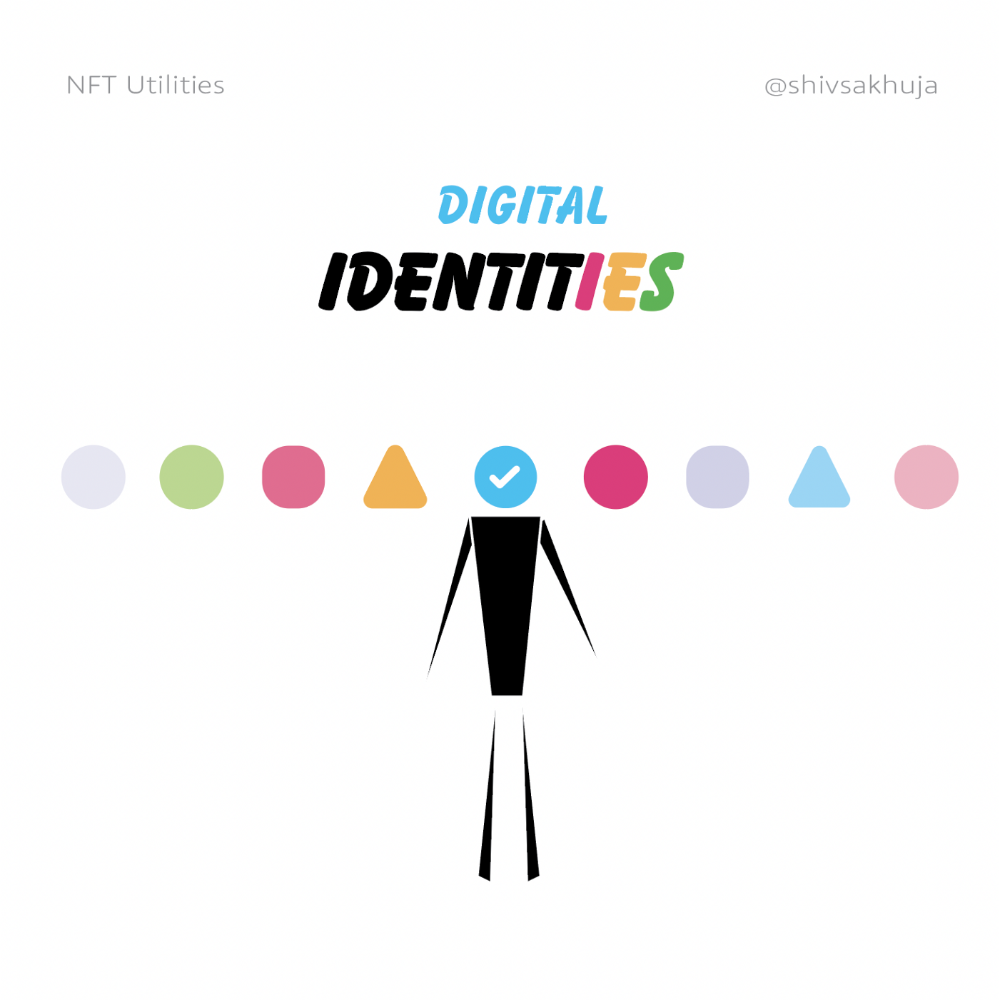
Identity
Identity theft/verification is another real-world problem NFTs can handle.
In the US, 15 million+ citizens face identity theft every year, suffering damages of over $50 billion a year.
This isn't surprising considering all you need for US identity theft is a 9-digit number handed around in emails, documents, on the phone, etc.
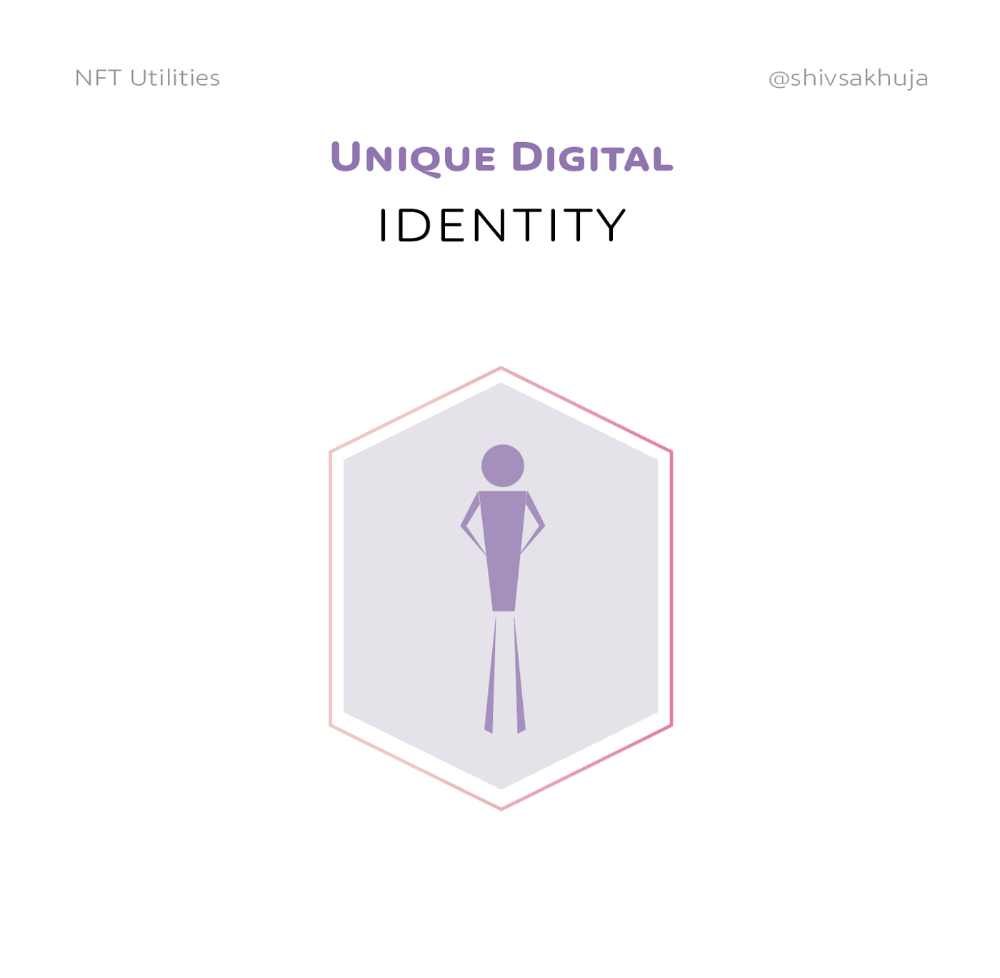
Identity NFTs can fix this.
NFTs are one-of-a-kind and unforgeable.
NFTs offer a universal standard.
NFTs are simple to verify.
SBTs, or non-transferrable NFTs, are tied to a particular wallet.
In the event of wallet loss or theft, NFTs may be revoked.
This could be one of the biggest use cases for NFTs.
Imagine a global identity standard that is standardized across countries, cannot be forged or stolen, is digital, easy to verify, and protects your private details.
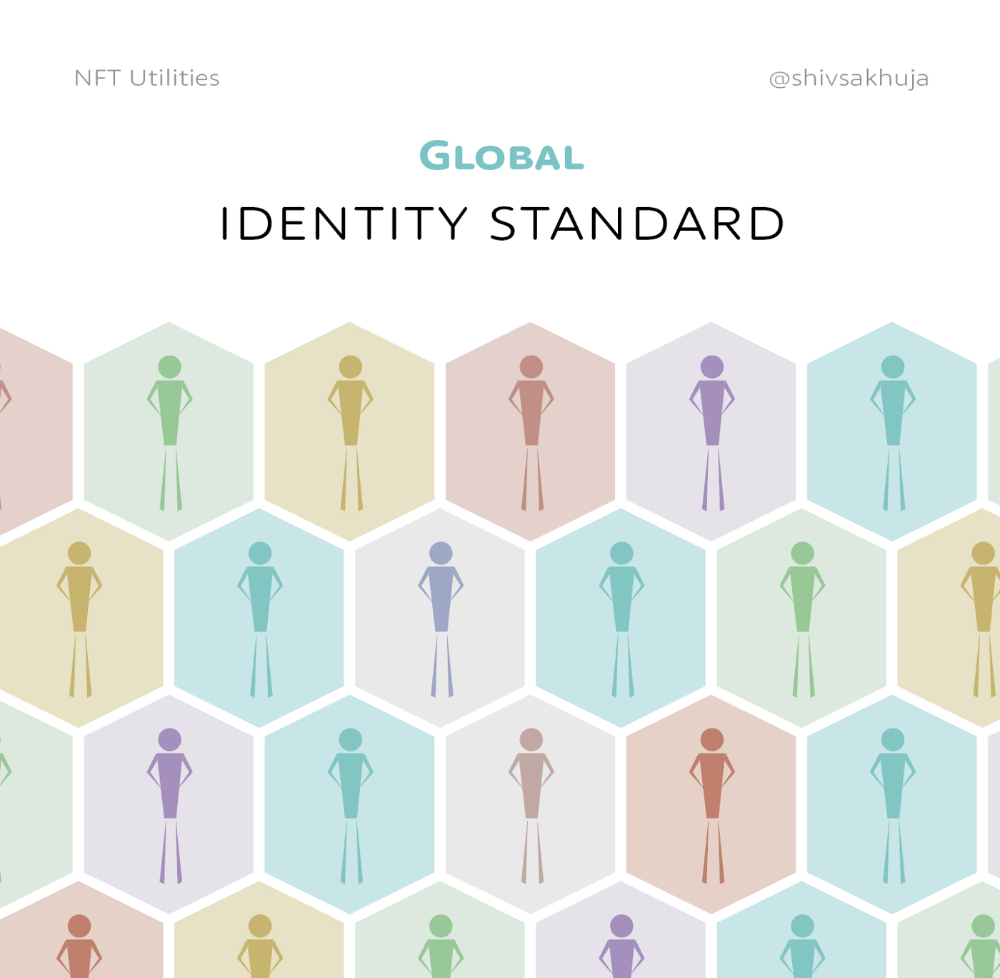
Since your identity is more than your government ID, you may have many NFTs.
@0xPolygon and @civickey are developing on-chain identity.
Memberships
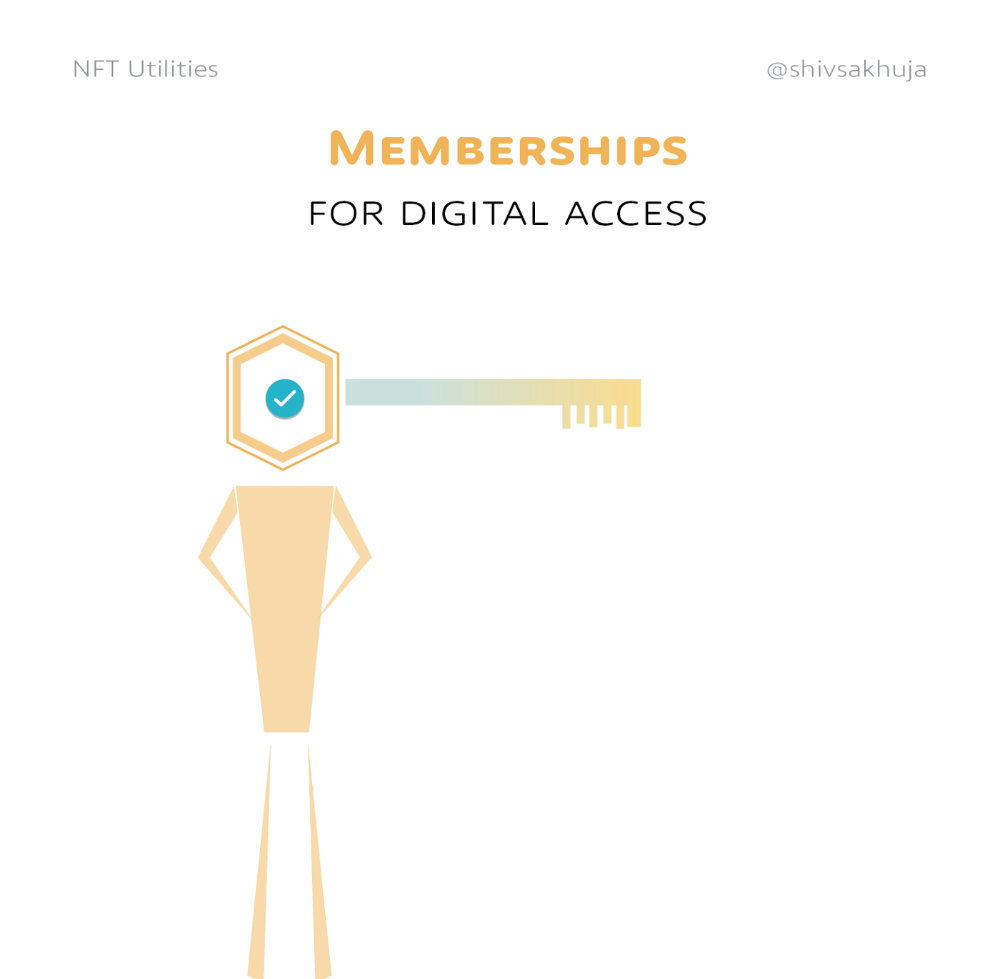
NFTs can authenticate digital and physical memberships.
Voting
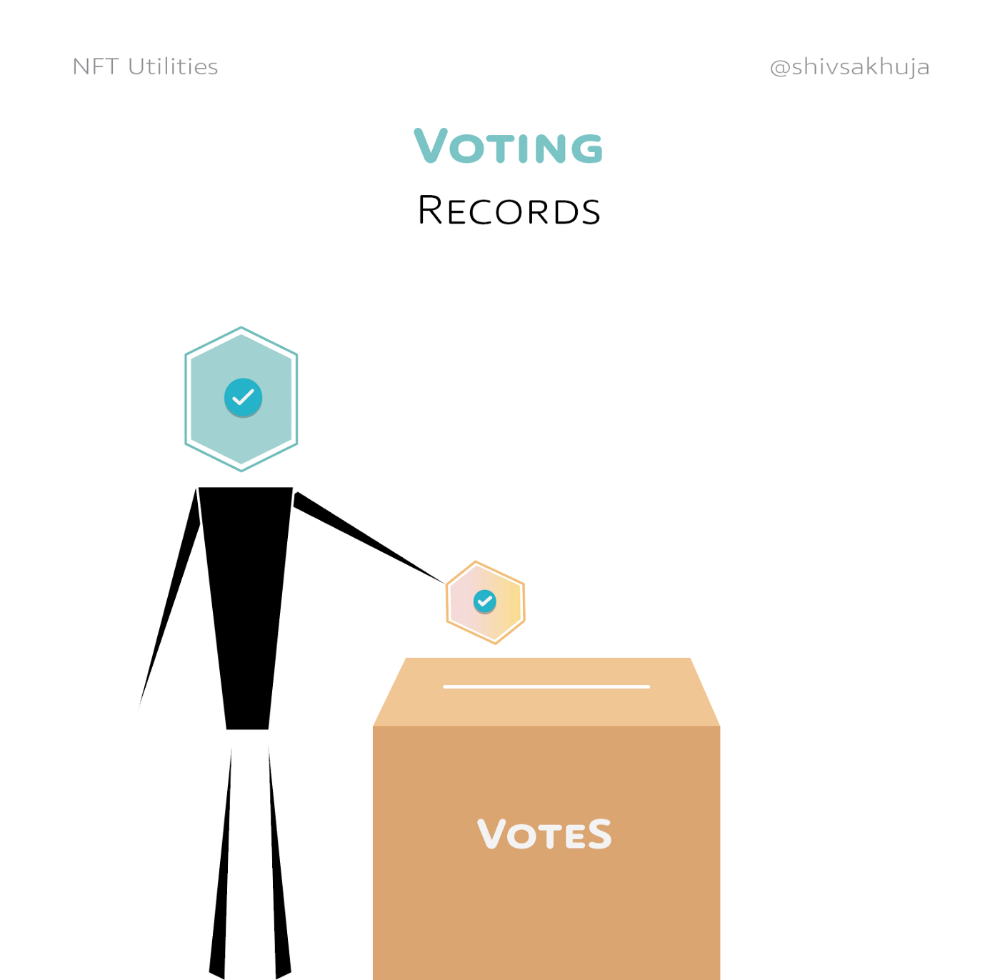
NFT IDs can verify votes.
If you remember 2020, you'll know why this is an issue.
Online voting's ease can boost turnout.
Informational property
NFTs can protect IP.
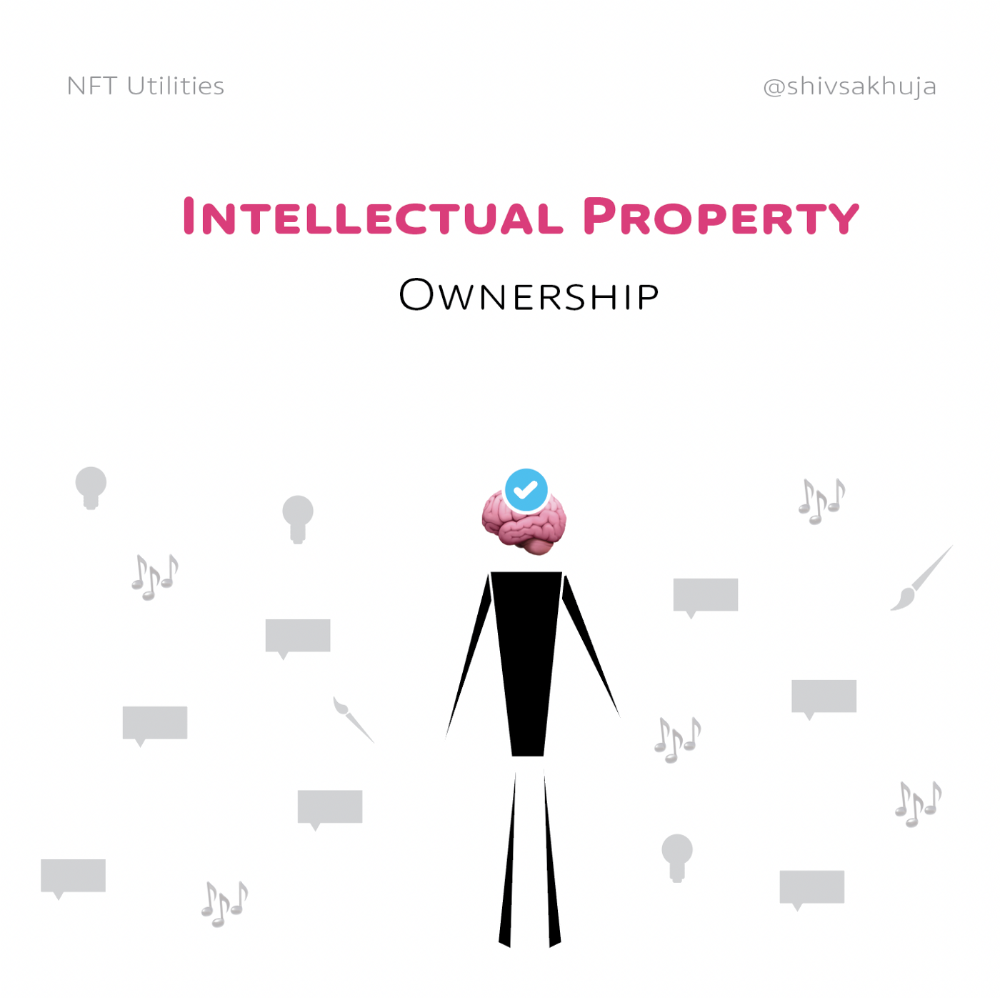
This can earn creators royalties.
NFTs have 2 important properties:
Verifiability IP ownership is unambiguously stated and publicly verified.
Platforms that enable authors to receive royalties on their IP can enter the market thanks to standardization.
Content Rights
Monetization without copyrighting = more opportunities for everyone.
This works well with the music.
Spotify and Apple Music pay creators very little.
Crowdfunding
Creators can crowdfund with NFTs.
NFTs can represent future royalties for investors.
This is particularly useful for fields where people who are not in the top 1% can’t make money. (Example: Professional sports players)
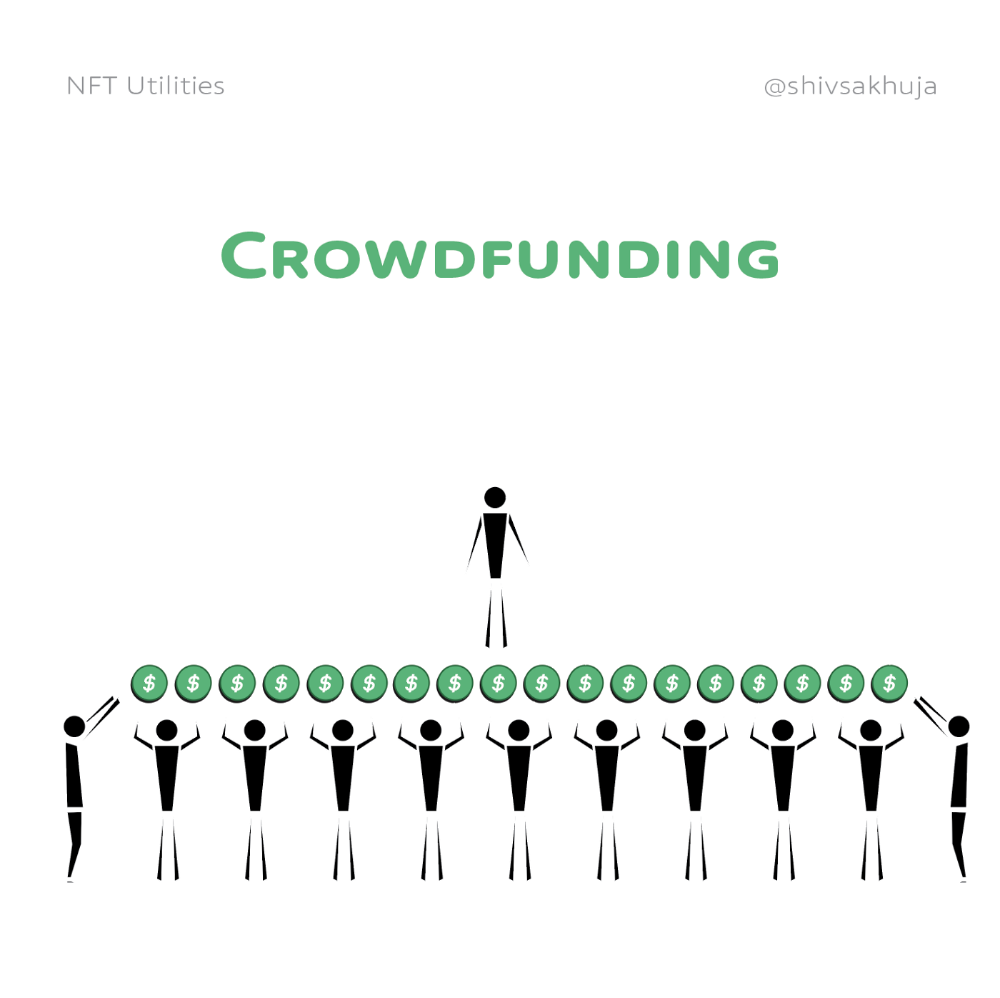
Mirror.xyz allows blog-based crowdfunding.
Financial NFTs
This introduces Financial NFTs (fNFTs). Unique financial contracts abound.
Examples:
a person's collection of assets (unique portfolio)
A loan contract that has been partially repaid with a lender
temporal tokens (ex: veCRV)
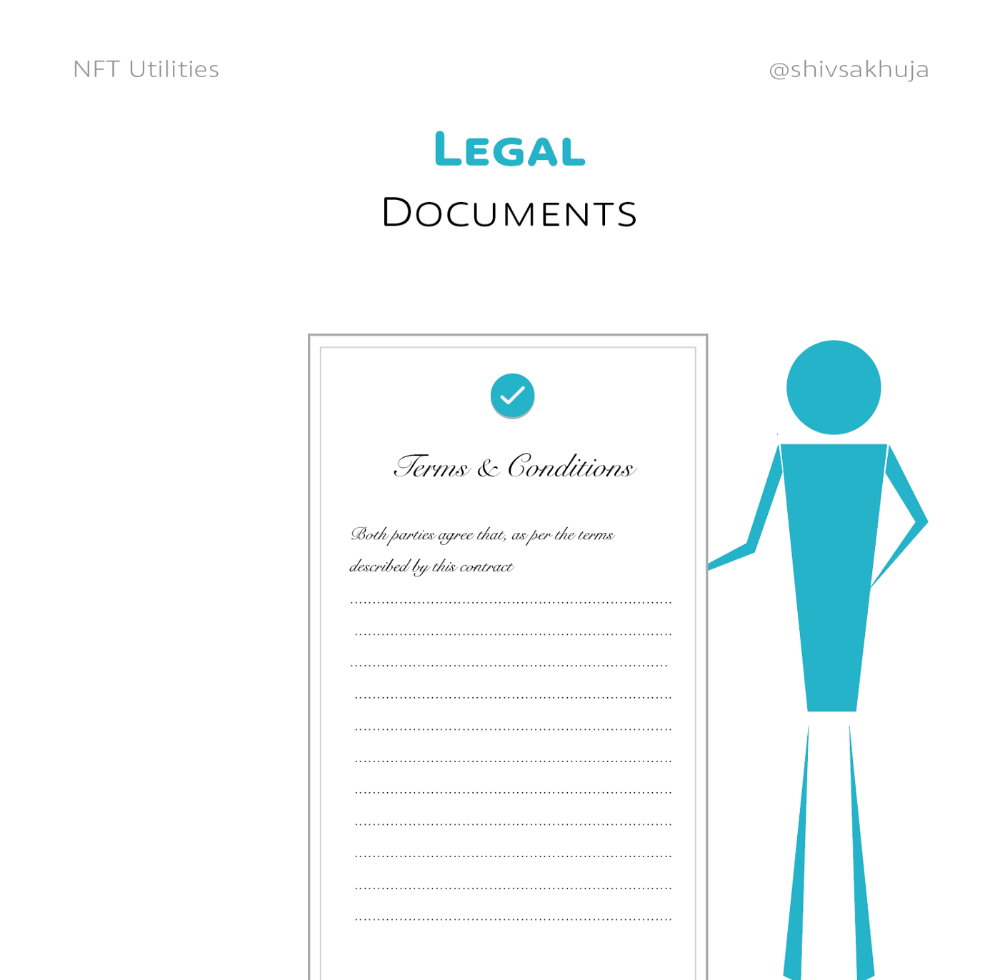
Legal Agreements
Not just financial contracts.
NFT can represent any legal contract or document.
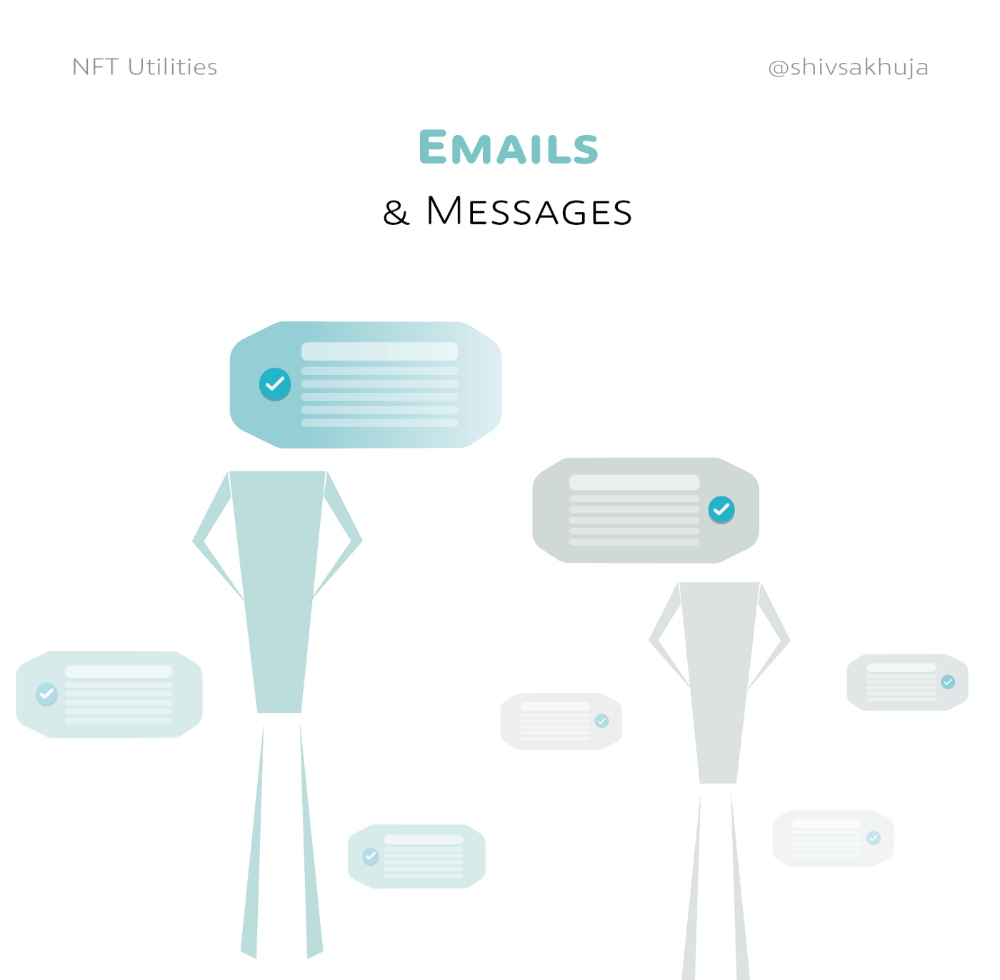
Messages & Emails
What about other agreements? Verbal agreements through emails and messages are likewise unique, but they're easily lost and fabricated.
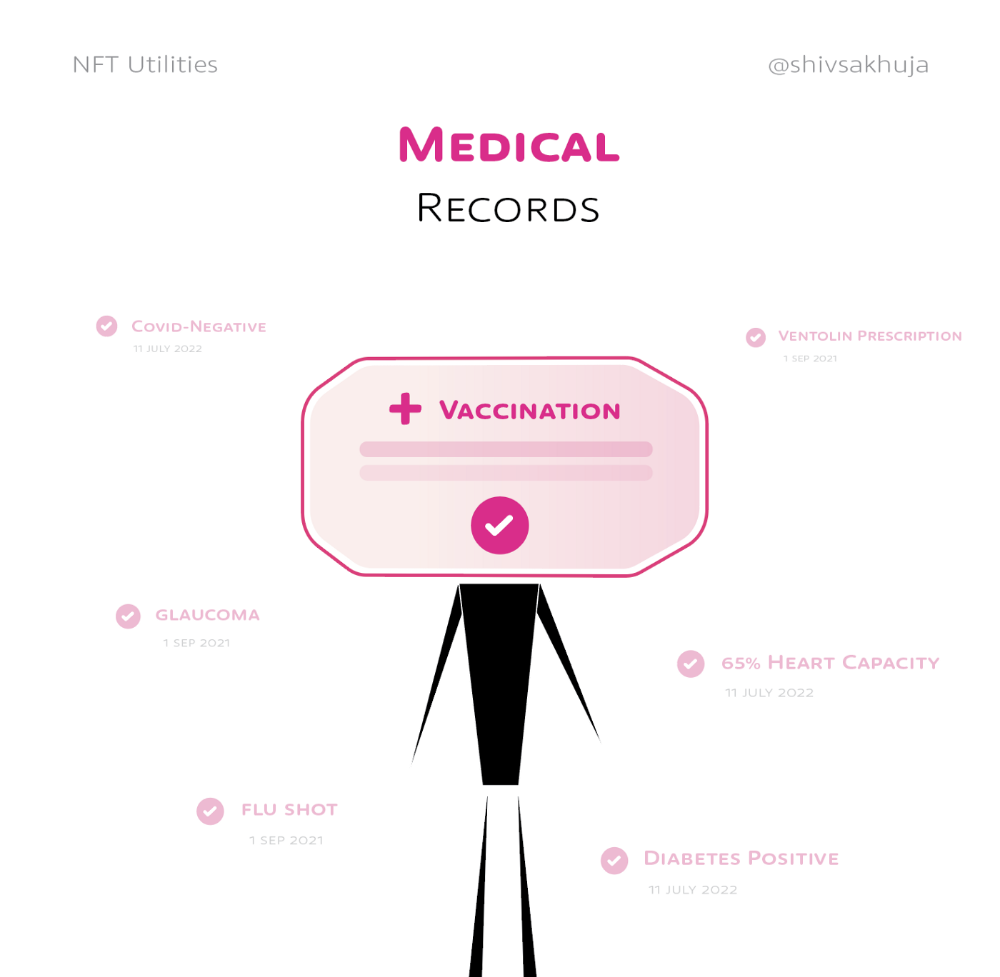
Health Records
Medical records or prescriptions are another types of documentation that has to be verified but isn't.
Medical NFT examples:
Immunization records
Covid test outcomes
Prescriptions
health issues that may affect one's identity
Observations made via health sensors
Existing systems of proof by paper / PDF have photoshop-risk.
I tried to include most use scenarios, but this is just the beginning.
NFTs have many innovative uses.
For example: @ShaanVP minted an NFT called “5 Minutes of Fame” 👇
Here are 2 Twitter threads about NFTs:
This piece of gold by @chriscantino
2. This conversation between @punk6529 and @RaoulGMI on @RealVision“The World According to @punk6529”
If you're wondering why NFTs are better than web2 databases for these use scenarios, see this Twitter thread I wrote:
If you liked this, please share it.

Adrien Book
3 years ago
What is Vitalik Buterin's newest concept, the Soulbound NFT?
Decentralizing Web3's soul
Our tech must reflect our non-transactional connections. Web3 arose from a lack of social links. It must strengthen these linkages to get widespread adoption. Soulbound NFTs help.
This NFT creates digital proofs of our social ties. It embodies G. Simmel's idea of identity, in which individuality emerges from social groups, just as social groups evolve from people.
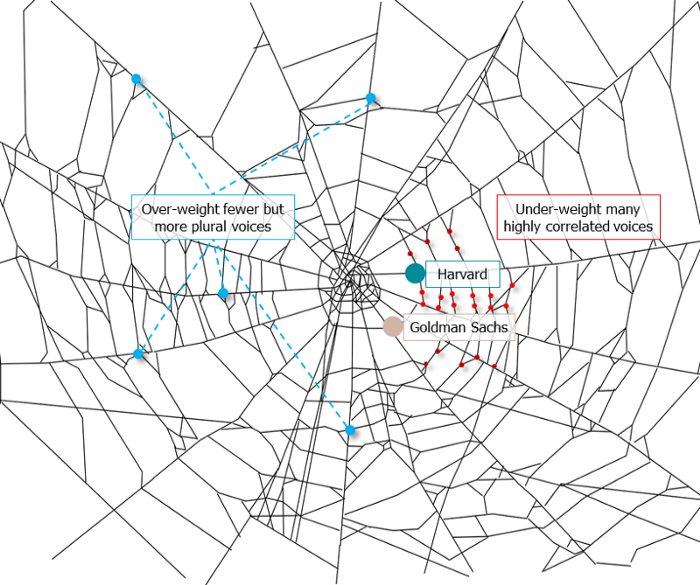
It's multipurpose. First, gather online our distinctive social features. Second, highlight and categorize social relationships between entities and people to create a spiderweb of networks.
1. 🌐 Reducing online manipulation: Only socially rich or respectable crypto wallets can participate in projects, ensuring that no one can create several wallets to influence decentralized project governance.
2. 🤝 Improving social links: Some sectors of society lack social context. Racism, sexism, and homophobia do that. Public wallets can help identify and connect distinct social groupings.
3. 👩❤️💋👨 Increasing pluralism: Soulbound tokens can ensure that socially connected wallets have less voting power online to increase pluralism. We can also overweight a minority of numerous voices.
4. 💰Making more informed decisions: Taking out an insurance policy requires a life review. Why not loans? Character isn't limited by income, and many people need a chance.
5. 🎶 Finding a community: Soulbound tokens are accessible to everyone. This means we can find people who are like us but also different. This is probably rare among your friends and family.
NFTs are dangerous, and I don't like them. Social credit score, privacy, lost wallet. We must stay informed and keep talking to innovators.
E. Glen Weyl, Puja Ohlhaver and Vitalik Buterin get all the credit for these ideas, having written the very accessible white paper “Decentralized Society: Finding Web3’s Soul”.

Sea Launch
4 years ago
📖 Guide to NFT terms: an NFT glossary.
NFT lingo can be overwhelming. As the NFT market matures and expands so does its own jargon, slang, colloquialisms or acronyms.
This ever-growing NFT glossary goal is to unpack key NFT terms to help you better understand the NFT market or at least not feel like a total n00b in a conversation about NFTs on Reddit, Discord or Twitter.
#
1:1 Art
Art where each piece is one of a kind (1 of 1). Unlike 10K projects, PFP or Generative Art collections have a cap of NFTs released that can range from a few hundreds to 10K.
1/1 of X
Contrary to 1:1 Art, 1/1 of X means each NFT is unique, but part of a large and cohesive collection. E.g: Fidenzas by Tyler Hobbs or Crypto Punks (each Punk is 1/1 of 10,000).
10K Project
A type of NFT collection that consists of approximately 10,000 NFTs (but not strictly).
A
AB
ArtBlocks, the most important platform for generative art currently.
AFAIK
As Far As I Know.
Airdrop
Distribution of an NFT token directly into a crypto wallet for free. Can be used as a marketing campaign or as scam by airdropping fake tokens to empty someone’s wallet.
Alpha
The first or very primitive release of a project. Or Investment term to track how a certain investment outdoes the market. E.g: Alpha of 1.0 = 1% improvement or Alpha of 20.0 = 20% improvement.
Altcoin
Any other crypto that is not Bitcoin. Bitcoin Maximalists can also refer to them as shitcoins.
AMA
Ask Me Anything. NFT creators or artists do sessions where anyone can ask questions about the NFT project, team, vision, etc. Usually hosted on Discord, but also on Reddit or even Youtube.
Ape
Someone can be aping, ape in or aped on an NFT meaning someone is taking a large position relative to its own portfolio size. Some argue that when someone apes can mean that they're following the hype, out of FOMO or without due diligence. Not related directly to the Bored Ape Yatch Club.
ATH
All-Time High. When a NFT project or token reaches the highest price to date.
Avatar project
An NFT collection that consists of avatars that people can use as their profile picture (see PFP) in social media to show they are part of an NFT community like Crypto Punks.
Axie Infinity
ETH blockchain-based game where players battle and trade Axies (digital pets). The main ERC-20 tokens used are Axie Infinity Shards (AXS) and Smooth Love Potions (formerly Small Love Potion) (SLP).
Axie Infinity Shards
AXS is an Eth token that powers the Axie Infinity game.
B
Bag Holder
Someone who holds its position in a crypto or keeps an NFT until it's worthless.
BAYC
Bored Ape Yacht Club. A very successful PFP 1/1 of 10,000 individual ape characters collection. People use BAYC as a Twitter profile picture to brag about being part of this NFT community.
Bearish
Borrowed finance slang meaning someone is doubtful about the current market and that it will crash.
Bear Market
When the Crypto or NFT market is going down in value.
Bitcoin (BTC)
First and original cryptocurrency as outlined in a whitepaper by the anonymous creator(s) Satoshi Nakamoto.
Bitcoin Maximalist
Believer that Bitcoin is the only cryptocurrency needed. All other cryptocurrencies are altcoins or shitcoins.
Blockchain
Distributed, decentralized, immutable database that is the basis of trust in Web 3.0 technology.
Bluechip
When an NFT project has a long track record of success and its value is sustained over time, therefore considered a solid investment.
BTD
Buy The Dip. A bear market can be an opportunity for crypto investors to buy a crypto or NFT at a lower price.
Bullish
Borrowed finance slang meaning someone is optimistic that a market will increase in value aka moon.
Bull market
When the Crypto or NFT market is going up and up in value.
Burn
Common crypto strategy to destroy or delete tokens from the circulation supply intentionally and permanently in order to limit supply and increase the value.
Buying on secondary
Whenever you don’t mint an NFT directly from the project, you can always buy it in secondary NFT marketplaces like OpenSea. Most NFT sales are secondary market sales.
C
Cappin or Capping
Slang for lying or faking. Opposed to no cap which means “no lie”.
Coinbase
Nasdaq listed US cryptocurrency exchange. Coinbase Wallet is one of Coinbase’s products where users can use a Chrome extension or app hot wallet to store crypto and NFTs.
Cold wallet
Otherwise called hardware wallet or cold storage. It’s a physical device to store your cryptocurrencies and/or NFTs offline. They are not connected to the Internet so are at less risk of being compromised.
Collection
A set of NFTs under a common theme as part of a NFT drop or an auction sale in marketplaces like OpenSea or Rarible.
Collectible
A collectible is an NFT that is a part of a wider NFT collection, usually part of a 10k project, PFP project or NFT Game.
Collector
Someone who buys NFTs to build an NFT collection, be part of a NFT community or for speculative purposes to make a profit.
Cope
The opposite of FOMO. When someone doesn’t buy an NFT because one is still dealing with a previous mistake of not FOMOing at a fraction of the price. So choosing to stay out.
Consensus mechanism
Method of authenticating and validating a transaction on a blockchain without the need to trust or rely on a central authority. Examples of consensus mechanisms are Proof of Work (PoW) or Proof of Stake (PoS).
Cozomo de’ Medici
Twitter alias used by Snoop Dogg for crypto and NFT chat.
Creator
An NFT creator is a person that creates the asset for the NFT idea, vision and in many cases the art (e.g. a jpeg, audio file, video file).
Crowsale
Where a crowdsale is the sale of a token that will be used in the business, an Initial Coin Offering (ICO) is the sale of a token that’s linked to the value of the business. Buying an ICO token is akin to buying stock in the company because it entitles you a share of the earnings and profits. Also, some tokens give you voting rights similar to holding stock in the business. The US Securities and Exchange Commission recently ruled that ICOs, but not crowdselling, will be treated as the sale of a security. This basically means that all ICOs must be registered like IPOs and offered only to accredited investors. This dramatically increases the costs and limits the pool of potential buyers.
Crypto Bags/Bags
Refers to how much cryptocurrencies someone holds, as in their bag of coins.
Cryptocurrency
The native coin of a blockchain (or protocol coin), secured by cryptography to be exchanged within a Peer 2 Peer economic system. E.g: Bitcoin (BTC) for the Bitcoin blockchain, Ether (ETH) for the Ethereum blockchain, etc.
Crypto community
The community of a specific crypto or NFT project. NFT communities use Twitter and Discord as their primary social media to hang out.
Crypto exchange
Where someone can buy, sell or trade cryptocurrencies and tokens.
Cryptography
The foundation of blockchain technology. The use of mathematical theory and computer science to encrypt or decrypt information.
CryptoKitties
One of the first and most popular NFT based blockchain games. In 2017, the NFT project almost broke the Ethereum blockchain and increased the gas prices dramatically.
CryptoPunk
Currently one of the most valuable blue chip NFT projects. It was created by Larva Labs. Crypto Punk holders flex their NFT as their profile picture on Twitter.
CT
Crypto Twitter, the crypto-community on Twitter.
Cypherpunks
Movement in the 1980s, advocating for the use of strong cryptography and privacy-enhancing technologies as a route to social and political change. The movement contributed and shaped blockchain tech as we know today.
D
DAO
Stands for Decentralized Autonomous Organization. When a NFT project is structured like a DAO, it grants all the NFT holders voting rights, control over future actions and the NFT’s project direction and vision. Many NFT projects are also organized as DAO to be a community-driven project.
Dapp
Mobile or web based decentralized application that interacts on a blockchain via smart contracts. E.g: Dapp is the frontend and the smart contract is the backend.
DCA
Acronym for Dollar Cost Averaging. An investment strategy to reduce the impact of crypto market volatility. E.g: buying into a crypto asset on a regular monthly basis rather than a big one time purchase.
Ded
Abbreviation for dead like "I sold my Punk for 90 ETH. I am ded."
DeFi
Short for Decentralized Finance. Blockchain alternative for traditional finance, where intermediaries like banks or brokerages are replaced by smart contracts to offer financial services like trading, lending, earning interest, insure, etc.
Degen
Short for degenerate, a gambler who buys into unaudited or unknown NFT or DeFi projects, without proper research hoping to chase high profits.
Delist
No longer offer an NFT for sale on a secondary market like Opensea. NFT Marketplaces can delist an NFT that infringes their rules. Or NFT owners can choose to delist their NFTs (has long as they have sufficient funds for the gas fees) due to price surges to avoid their NFT being bought or sold for a higher price.
Derivative
Projects derived from the original project that reinforces the value and importance of the original NFT. E.g: "alternative" punks.
Dev
A skilled professional who can build NFT projects using smart contracts and blockchain technology.
Dex
Decentralised Exchange that allows for peer-to-peer trustless transactions that don’t rely on a centralized authority to take place. E.g: Uniswap, PancakeSwap, dYdX, Curve Finance, SushiSwap, 1inch, etc.
Diamond Hands
Someone who believes and holds a cryptocurrency or NFT regardless of the crypto or NFT market fluctuations.
Discord
Chat app heavily used by crypto and NFT communities for knowledge sharing and shilling.
DLT
Acronym for Distributed Ledger Technology. It’s a protocol that allows the secure functioning of a decentralized database, through cryptography. This technological infrastructure scraps the need for a central authority to keep in check manipulation or exploitation of the network.
Dog coin
It’s a memecoin based on the Japanese dog breed, Shiba Inu, first popularised by Dogecoin. Other notable coins are Shiba Inu or Floki Inu. These dog coins are frequently subjected to pump and dumps and are extremely volatile. The original dog coin DOGE was created as a joke in 2013. Elon Musk is one of Dogecoin's most famous supporters.
Doxxed/Doxed
When the identity of an NFT team member, dev or creator is public, known or verifiable. In the NFT market, when a NFT team is doxed it’s a usually sign of confidence and transparency for NFT collectors to ensure they will not be scammed for an anonymous creator.
Drop
The release of an NFT (single or collection) into the NFT market.
DYOR
Acronym for Do Your Own Research. A common expression used in the crypto or NFT community to disclaim responsibility for the financial/strategy advice someone is providing the community and to avoid being called out by others in theNFT or crypto community.
E
EIP-1559 EIP
Referring to Ethereum Improvement Proposal 1559, commonly known as the London Fork. It’s an upgrade to the Ethereum protocol code to improve the blockchain security and scalability. The major change consists in shifting from a proof-of-work consensus mechanism (PoW) to a low energy and lower gas fees proof-of-stake system (PoS).
ERC-1155
Stands for Ethereum Request for Comment-1155. A multi-token standard that can represent any number of fungible (ERC-20) and non-fungible tokens (ERC-721).
ERC-20
Ethereum Request for Comment-20 is a standard defining a fungible token like a cryptocurrency.
ERC-721
Ethereum Request for Comment-721 is a standard defining a non-fungible token (NFT).
ETH
Aka Ether, the currency symbol for the native cryptocurrency of the Ethereum blockchain.
ETH2.0
Also known as the London Fork or EIP-1559 EIP. It’s an upgrade to the Ethereum network to improve the network’s security and scalability. The most dramatic change is the shift from the proof-of-work consensus mechanism (PoW) to proof-of-stake system (PoS).
Ether
Or ETH, the native cryptocurrency of the Ethereum blockchain.
Ethereum
Network protocol that allows users to create and run smart contracts over a decentralized network.
F
FCFS
Acronym for First Come First Served. Commonly used strategy in a NFT collection drop when the demand surpasses the supply.
Few
Short for "few understand". Similar to the irony behind the "probably nothing" expression. Like X person bought into a popular NFT, because it understands its long term value.
Fiat Currencies or Money
National government-issued currencies like the US Dollar (USD), Euro (EUR) or Great British Pound (GBP) that are not backed by a commodity like silver or gold. FIAT means an authoritative or arbitrary order like a government decree.
Flex
Slang for showing off. In the crypto community, it’s a Lamborghini or a gold Rolex. In the NFT world, it’s a CryptoPunk or BAYC PFP on Twitter.
Flip
Quickly buying and selling crypto or NFTs to make a profit.
Flippening
Colloquial expression coined in 2017 for when Ethereum’s market capitalisation surpasses Bitcoin’s.
Floor Price
It means the lowest asking price for an NFT collection or subset of a collection on a secondary market like OpenSea.
Floor Sweep
Refers when a NFT collector or investor buys all the lowest listed NFTs on a secondary NFT marketplace.
FOMO
Acronym for Fear Of Missing Out. Buying a crypto or NFT out of fear of missing out on the next big thing.
FOMO-in
Buying a crypto or NFT regardless if it's at the top of the market for FOMO.
Fractionalize
Turning one NFT like a Crypto Punk into X number of fractions ERC-20 tokens that prove ownership of that Punk. This allows for i) collective ownership of an NFT, ii) making an expensive NFT affordable for the common NFT collector and iii) adds more liquidity to a very illiquid NFT market.
FR
Abbreviation for For Real?
Fren
Means Friend and what people in the NFT community call each other in an endearing and positive way.
Foundation
An exclusive, by invitation only, NFT marketplace that specializes in NFT art.
Fungible
Means X can be traded for another X and still hold the same value. E.g: My dollars = your dollars. My 1 ether = your 1 ether. My casino chip = your casino chip. On Ethereum, fungible tokens are defined by the ERC-20 standard.
FUD
Acronym for Fear Uncertainty Doubt. It can be a) when someone spreads negative and sometimes false news to discredit a certain crypto or NFT project. Or b) the overall negative feeling regarding the future of the NFT/Crypto project or market, especially when going through a bear market.
Fudder
Someone who has FUD or engages in FUD about a NFT project.
Fudding your own bags
When an NFT collector or crypto investor speaks negatively about an NFT or crypto project he/she has invested in or has a stake in. Usually negative comments about the team or vision.
G
G
Means Gangster. A term of endearment used amongst the NFT Community.
Gas/Gas fees/Gas prices
The fee charged to complete a transaction in a blockchain. These gas prices vary tremendously between the blockchains, the consensus mechanism used to validate transactions or the number of transactions being made at a specific time.
Gas war
When a lot of NFT collectors (or bots) are trying to mint an NFT at once and therefore resulting in gas price surge.
Generative art
Artwork that is algorithmically created by code with unique traits and rarity.
Genesis drop
It refers to the first NFT drop a creator makes on an NFT auction platform.
GG
Interjection for Good Game.
GM
Interjection for Good Morning.
GMI
Acronym for Going to Make It. Opposite of NGMI (NOT Going to Make It).
GOAT
Acronym for Greatest Of All Time.
GTD
Acronym for Going To Dust. When a token or NFT project turns out to be a bad investment.
GTFO
Get The F*ck Out, as in “gtfo with that fud dude” if someone is talking bull.
GWEI
One billionth of an Ether (ETH) also known as a Shannon / Nanoether / Nano — unit of account used to price Ethereum gas transactions.
H
HEN (Hic Et Nunc)
A popular NFT art marketplace for art built on the Tezos blockchain. Big NFT marketplace for inexpensive NFTs but not a very user-friendly UI/website.
HODL
Misspelling of HOLD coined in an old Reddit post. Synonym with “Hold On for Dear Life” meaning hold your coin or NFT until the end, whether that they’ll moon or dust.
Hot wallet
Wallets connected to the Internet, less secure than cold wallet because they’re more susceptible to hacks.
Hype
Term used to show excitement or anticipation about an upcoming crypto project or NFT.
I
ICO
Acronym for Initial Coin Offering. It’s the crypto equivalent to a stocks’ IPO (Initial Public Offering) but with far less scrutiny or regulation (leading to a lot of scams). ICO’s are a popular way for crypto projects to raise funds.
IDO
Acronym for Initial Dex Offering. To put it simply it means to launch NFTs or tokens via a decentralized liquidity exchange. It’s a common fundraising method used by upcoming crypto or NFT projects. Many consider IDOs a far better fundraising alternative to ICOs.
IDK
Acronym for I Don’t Know.
IDEK
Acronym for I Don’t Even Know.
Imma
Short for I’m going to be.
IRL
Acronym for In Real Life. Refers to the physical world outside of the online/virtual world of crypto, NFTs, gaming or social media.
IPFS
Acronym for Interplanetary File System. A peer-to-peer file storage system using hashes to recall and preserve the integrity of the file, commonly used to store NFTs outside of the blockchain.
It’s Money Laundering
Someone can use this expression to suggest that NFT prices aren’t real and that actually people are using NFTs to launder money, without providing much proof or explanation on how it works.
IYKYK
Stands for If You Know, You Know This. Similar to the expression "few", used when someone buys into a popular crypto or NFT project, slightly because of FOMO but also because it believes in its long term value.
J
JPEG/JPG
File format typically used to encode NFT art. Some people also use Jpeg to mock people buying NFTs as in “All that money for a jpeg”.
K
KMS
Short for Kill MySelf.
L
Larva Labs/ LL
NFT Creators behind the popular NFT projects like Cryptopunks,Meebits or Autoglyphs.
Laser eyes
Bitcoin meme signalling support for BTC and/or it will break the $100k per coin valuation.
LFG
Acronym for Let’s F*cking Go! A common rallying call used in the crypto or NFT community to lead people into buying an NFT or a crypto.
Liquidity
Term that means that a token or NFT has a high volume activity in the crypto/NFT market. It’s easily sold and resold. But usually the NFT market it’s illiquid when compared to the general crypto market, due to the non-fungibility nature of an NFT (there are less buyers for every NFTs out there).
LMFAO
Stands for Laughing My F*cking Ass Off.
Looks Rare
Ironic expression commonly used in the NFT Community. Rarity is a driver of an NFT’s value.
London Hard Fork
Known as EIP-1559, was an Ethereum code upgrade proposal designed to improve the blockchain security and scalability. It’s major change is to shift from PoW to PoS consensus mechanism.
Long run
Means someone is committed to the NFT market or an NFT project in the long term.
M
Maximalist
Typically refers to Bitcoin Maximalists. People who only believe that Bitcoin is the most secure and resilient blockchain. For Maximalists, all other cryptocurrencies are shitcoins therefore a waste of time, development and money.
McDonald's
Common and ironic expression amongst the crypto community. It means that Mcdonald’s is always a valid backup plan or career in the case all cryptocurrencies crash and disappear.
Meatspace
Synonymous with IRL - In Real Life.
Memecoin
Cryptocurrency like Dogecoin that is based on an internet joke or meme.
Metamask
Popular crypto hot wallet platform to store crypto and NFTs.
Metaverse
Term was coined by writer Neal Stephenson in the 1992 dystopian novel “Snow Crash”. It’s an immersive and digital place where people interact via their avatars. Big tech players like Meta (formerly known as Facebook) and other independent players have been designing their own version of a metaverse. NFTs can have utility for users like buying, trading, winning, accessing, experiencing or interacting with things inside a metaverse.
Mfer
Short for “mother fker”.
Miners
Single person or company that mines one or more cryptocurrencies like Bitcoin or Ethereum. Both blockchains need computing power for their Proof of Work consensus mechanism. Miners provide the computing power and receive coins/tokens in return as payment.
Mining
Mining is the process by which new tokens enter in circulation as for example in the Bitcoin blockchain. Also, mining ensures the validity of new transactions happening in a given blockchain that uses the PoW consensus mechanism. Therefore, the ones who mine are rewarded by ensuring the validity of a blockchain.
Mint/Minting
Mint an NFT is the act of publishing your unique instance to a specific blockchain like Ethereum or Tezos blockchain. In simpler terms, a creator is adding a one-of-kind token (NFT) into circulation in a specific blockchain.
Once the NFT is minted - aka created - NFT collectors can i) direct mint, therefore purchase the NFT by paying the specified amount directly into the project’s wallet. Or ii) buy it via an intermediary like an NFT marketplace (e.g: OpenSea, Foundation, Rarible, etc.). Later, the NFT owner can choose to resell the NFT, most NFT creators set up a royalty for every time their NFT is resold.
Minting interval
How often an NFT creator can mint or create tokens.
MOAR
A misspelling that means “more”.
Moon/Mooning
When a coin (e.g. ETH), or token, like an NFT goes exponential in price and the price graph sees a vertical climb. Crypto or NFT users then use the expression that “X token is going to the moon!”.
Moon boys
Slang for crypto or NFT holders who are looking to pump the price dramatically - taking a token to the moon - for short term gains and with no real long term vision or commitment.
N
Never trust, always verify
Treat everyone or every project like something potentially malicious.
New coiner
Crypto slang for someone new to the cryptocurrency space. Usually newcomers can be more susceptible to FUD or scammers.
NFA
Acronym for Not Financial Advice.
NFT
Acronym for Non-Fungible Token. The type of token that can be created, bought, sold, resold and viewed in different dapps. The ERC-721 smart contract standard (Ethereum blockchain) is the most popular amongst NFTs.
NFT Marketplace / NFT Auction platform
Platforms where people can sell and buy NFTs, either via an auction or pay the seller’s price. The largest NFT marketplace is OpenSea. But there are other popular NFT marketplace examples like Foundation, SuperRare, Nifty Gateway, Rarible, Hic et Nunc (HeN), etc.
NFT Whale
A NFT collector or investor who buys a large amount of NFTs.
NGMI
Acronym for Not Going to Make It. For example, something said to someone who has paper hands.
NMP
Acronym for Not My Problem.
Nocoiner
It can be someone who simply doesn’t hold cryptocurrencies, mistrust the crypto market or believes that crypto is either a scam or a ponzi scheme.
Noob/N00b/Newbie
Slang for someone new or not experienced in cryptocurrency or NFTs. These people are more susceptible to scams, drawn into pump and dumps or getting rekt on bad coins.
Normie/Normy
Similar expression for a nocoiner.
NSFW
Acronym for Not Suitable For Work. Referring to online content inappropriate for viewing in public or at work. It began as mostly a tag for sexual content, nudity, or violence, but it has envolved to range a number of other topics that might be delicate or trigger viewers.
Nuclear NFTs
An NFT or collectible with more than 1,000 owners. For the NFT to be sold or resold, every co-owners must give their permission beforehand. Otherwise, the NFT transaction can’t be made.
O
OG
Acronym for Original Gangster and it popularized by 90s Hip Hop culture. It means the first, the original or the person who has been around since the very start and earned respect in the community. In NFT terms, Cryptopunks are the OG of NFTs.
On-chain vs Off-chain
An on-chain NFT is when the artwork (like a jpeg, video or music file) is stored directly into the blockchain making it more secure and less susceptible to being stolen. But, note that most blockchains can only store small amounts of data.
Off-chain NFTs means that the high quality image, music or video file is not stored in the blockchain. But, the NFT data is stored on an external party like a) a centralized server, highly vulnerable to the server being shut down/exploited. Or b) an InterPlanetary File System (IPFS), also an external party but more secure way of finding data because it utilizes a distributed, decentralized system.
OpenSea
By far the largest NFT marketplace in the world, currently.
P
Paper Hands
A crypto or NFT holder who is permeable to negative market sentiment or FUD. And does not hold their crypto or NFT for long. Expression used to describe someone who sells as soon as NFTs enter a bear market.
PFP
Stands for Picture For Profile. Twitter users who hold popular NFTs like Crypto Punk or BAYC use their punk or monkey avatar as their profile picture.
POAP NFT
Stands for Proof of Attendance Protocol. These types of NFTs are awarded to attendees of events, regardless if they’re physical or virtual, as proof you attended.
PoS
Stands for Proof of Stake. A consensus mechanism used by blockchains like Bitcoin or Ethereum to achieve agreement, trust and security in every transaction and keep the integrity of the blockchain intact. PoS mechanisms are considered more environmentally friendly than PoW as they’re lower energy and in emissions.
PoW
Stands for Proof of Work. A consensus mechanism used by blockchains like Bitcoin to achieve agreement, trust and security and keep the transactional integrity of the blockchain intact. PoW mechanism requires a lot of computational power, therefore uses more energy resources and higher CO2 emissions than the PoS mechanism.
Private Key
It can be similar to a password. It’s a secret number that allows users to access their cold or hot wallet funds, prove ownership of a certain address and sign transactions on the blockchain.
It’s not advisable to share a private key with anyone as it makes a person vulnerable to thefts. In case someone loses or forgets its private key, it can use a recovery phrase to restore access to a crypto or NFT wallet.
Pre-mine
A term used in crypto to refer to the act of creating a set amount of tokens before their public launch. It can also be known as a Genesis Sale and is usually associated with Initial Coin Offerings (ICOs) in order to compensate founders, developers or early investors.
Probably nothing
It’s an ironic expression used by NFT enthusiasts to refer to an important or soon to be big news, project or person in the NFT space. Meaning when someone says probably nothing it actually means that it is probably something.
Protocol Coin
Stands for the native coin of a blockchain. As in Ether for the Ethereum blockchain or BTC on the Bitcoin blockchain.
Pump & Dump
The term pump means when a person or a group of people buy or convince others to buy large quantities of a crypto or an NFT with the single goal to drive the price to a peak. When the price peaks, these people sell their position high and for a hefty profit, therefore dumping the price and leaving other slower investors or newbies rekt or at a loss.
R
Rarity
Rarity in NFT terms refers to how rare an NFT is. The rarity can be defined by the number of traits, scarcity or properties of an NFT.
Reaching
Slang for an exaggeration over something to make it sound worse than what it actually is or to take a point/scenario too far.
Recovery phrase
A 12-word phrase that acts like backup for your crypto private keys. A person can recover all of the crypto wallet accounts’ private keys from the recovery phrase. Is not advisable to share the recovery phrase with anyone.
Rekt
Slang for wrecked. When a crypto or NFT project goes wrong or down in value sharply. Or more broadly, when something goes wrong like a person is price out by the gas surge or an NFT floor price goes down.
Right Click Save As
An Ironic expression used by people who don’t understand the value or potential unlocked by NFTs. Person who makes fun that she/he can easily get a digital artwork by Right Click Save As and mock the NFT space and its hype.
Roadmap
The strategy outlined by an NFT project. A way to explain to the NFT community or a potential NFT investor, the different stages, value and the long term vision of the NFT project.
Royalties
NFT creators can set up their NFT so each time their NFT is resold, the creator gets paid a percentage of the sale price.
RN
Acronym for Right Now.
Rug Pull/Rugged
Slang for a scam when the founders, team or developers suddenly leave a crypto project and run away with all the investors’ funds leaving them with nothing.
S
Satoshi Nakamoto
The anonymous creator of the Bitcoin whitepaper and whose identity has never been verified.
Scammer
Someone actively trying to steal other people’s crypto or NFTs.
Secondary
Secondary refers to secondary NFT marketplaces, where NFT collectors or investors can resell NFTs after they’ve been minted. The price of an NFT or NFT collection is determined by those who list them.
Seed phrase
Another name for recovery phrase is the 12-word phrase that allows you to recover all of the crypto wallet accounts’ private keys and regain control of the wallet. Is not advisable to share the seed phrase with anyone.
Seems legit
When an NFT project or a person in the NFT community looks promising and the real deal, meaning seems legitimate. Depending on the context can also be used ironically.
Seems rare
An ironic expression or dismissive comment used by the NFT community. For example, It can be used sarcastically when someone asks for feedback on an NFT they own or created.
Ser
Slang for sir and a polite way of addressing others in an NFT community.
Shill
Expression when someone wants to promote or get exposure to an NFT they own or created.
Shill Thread
It’s a common Twitter strategy to gain traction by encouraging NFT creators to share a link to their NFT project in the hopes of getting bought or noticed by the NFT Community and potential buyers.
Simp/Simping
A NFT holder or creator who comes off as trying to hard impress an NFT whale or investor.
Sh*tposter
A person who mostly posts meme content on Twitter for fun.
SLP
Acronym for Smooth Love Potion. It’s a token players can earn as a reward in the NFT game Axie Infinity.
Smart Contract
A self-executing contract where the terms of the agreement between buyer and seller are directly written into the code and without third party or human intervention. Ethereum is a blockchain that can execute smart contracts, on the contrary to Bitcoin which does not have that capability.
SMFH
Acronym for Shaking My F*cking Head. Common reply to a person showing unbelievable idiocy.
Sock Puppet
Scam account used to lure noob investors into fake investment services.
Snag
It means to buy an NFT quickly and for a very low price. Can also be known as sniping.
Sotheby’s
Very famous auction house that has recently auctioned Beeple’s NFTs or Bored Ape Yacht Club and Crypto Punks’ NFT collections.
Stake
Crypto term for locking up a certain amount of crypto tokens for a set period of time to earn interest. In the NFT space, there are popping up a lot of projects or services that allow NFT holders to earn interest for holding a certain NFT.
Szn
Stands for season referring to crypto or NFT market cycles.
T
TINA
Acronym for There Is No Alternative. Example: someone asks “why are you investing in BTC?”, to which the reply is “TINA”.
TINA RIF
Acronym for There Is No Alternative Resistance Is Futile.
This is the way
A commendation for positive behavior by someone in the NFT Community.
Tokenomics
Referring to the economics of cryptocurrencies, DeFi or NFT projects.
V
Valhalla
Ironic use of the Viking “heaven”. Meaning someone’s NFT collection is either going to be a profitable and blue chip project, therefore they can ascend to Valhalla or is going to tank and that person will have to work at a Mcdonald’s.
Vibe
Term used to express a positive emotional state.
Volatile/Volatility
Term used to describe rapid market fluctuations and crypto or NFT prices go up and down quickly in a short period.
W
WAGMI
Acronym for We Are Going to Make It. Rally cry to build momentum for a crypto or NFT project and lead even more people into buying, shilling or supporting a specific project.
Wallet
There can be a hot or cold wallet, but both are a place where someone can store their cryptocurrency and tokens. Hot wallets are always connected to the Internet like MetaMask, Trust wallet or Phantom. On the contrary cold wallets are hardware wallets to store crypto or NFTs offline like Nano Ledger.
Weak Hands
Synonymous with Paper Hands. Someone who immediately sells their crypto or NFT because of a bear market, FUD or any other negative sentiment.
Web 1.0
Refers to the beginning of the Web. A period from around 1990 to 2005, also known as the read-only web.
Web 2.0
Refers to an iteration of Web 1.0. From 2005 to the present moment, where social media platforms like Facebook, Instagram, TikTok, Google, Twitter, etc reshaped the web, therefore becoming the read-write web.
Web 3.0
A term coined by Ethereum co-founder Gavin Wood and it’s an idea of what the future of the web could look like. Most peoples’ data, info or content would no longer be centralized in Web 2.0 giants - the Big Tech - but decentralized, mostly thanks to blockchain technology. Web 3.0 could be known as read-write-trust web.
Wen
As in When.
Wen Moon
Popular expression from crypto Twitter not so much in the NFT space. Refers to the still distant future when a token will moon.
Whitepaper
Document released by a crypto or NFT project where it lays the technical information behind the concept, vision, roadmap and plans to grow a certain project.
Whale
Someone who owns a large position on a specific or many cryptos or NFTs.
Y
Yodo
Acronym for You Only Die Once. The opposite of Yolo.
Yolo
Acronym for You Only Live Once. A person can use this when they just realized they bought a shitcoin or crap NFT and they’re getting rekt.
Original post
You might also like

DANIEL CLERY
3 years ago
Can space-based solar power solve Earth's energy problems?
Better technology and lower launch costs revive science-fiction tech.
Airbus engineers showed off sustainable energy's future in Munich last month. They captured sunlight with solar panels, turned it into microwaves, and beamed it into an airplane hangar, where it lighted a city model. The test delivered 2 kW across 36 meters, but it posed a serious question: Should we send enormous satellites to capture solar energy in space? In orbit, free of clouds and nighttime, they could create power 24/7 and send it to Earth.
Airbus engineer Jean-Dominique Coste calls it an engineering problem. “But it’s never been done at [large] scale.”
Proponents of space solar power say the demand for green energy, cheaper space access, and improved technology might change that. Once someone invests commercially, it will grow. Former NASA researcher John Mankins says it might be a trillion-dollar industry.
Myriad uncertainties remain, including whether beaming gigawatts of power to Earth can be done efficiently and without burning birds or people. Concept papers are being replaced with ground and space testing. The European Space Agency (ESA), which supported the Munich demo, will propose ground tests to member nations next month. The U.K. government offered £6 million to evaluate innovations this year. Chinese, Japanese, South Korean, and U.S. agencies are working. NASA policy analyst Nikolai Joseph, author of an upcoming assessment, thinks the conversation's tone has altered. What formerly appeared unattainable may now be a matter of "bringing it all together"
NASA studied space solar power during the mid-1970s fuel crunch. A projected space demonstration trip using 1970s technology would have cost $1 trillion. According to Mankins, the idea is taboo in the agency.
Space and solar power technology have evolved. Photovoltaic (PV) solar cell efficiency has increased 25% over the past decade, Jones claims. Telecoms use microwave transmitters and receivers. Robots designed to repair and refuel spacecraft might create solar panels.
Falling launch costs have boosted the idea. A solar power satellite large enough to replace a nuclear or coal plant would require hundreds of launches. ESA scientist Sanjay Vijendran: "It would require a massive construction complex in orbit."
SpaceX has made the idea more plausible. A SpaceX Falcon 9 rocket costs $2600 per kilogram, less than 5% of what the Space Shuttle did, and the company promised $10 per kilogram for its giant Starship, slated to launch this year. Jones: "It changes the equation." "Economics rules"
Mass production reduces space hardware costs. Satellites are one-offs made with pricey space-rated parts. Mars rover Perseverance cost $2 million per kilogram. SpaceX's Starlink satellites cost less than $1000 per kilogram. This strategy may work for massive space buildings consisting of many identical low-cost components, Mankins has long contended. Low-cost launches and "hypermodularity" make space solar power economical, he claims.
Better engineering can improve economics. Coste says Airbus's Munich trial was 5% efficient, comparing solar input to electricity production. When the Sun shines, ground-based solar arrays perform better. Studies show space solar might compete with existing energy sources on price if it reaches 20% efficiency.
Lighter parts reduce costs. "Sandwich panels" with PV cells on one side, electronics in the middle, and a microwave transmitter on the other could help. Thousands of them build a solar satellite without heavy wiring to move power. In 2020, a team from the U.S. Naval Research Laboratory (NRL) flew on the Air Force's X-37B space plane.
NRL project head Paul Jaffe said the satellite is still providing data. The panel converts solar power into microwaves at 8% efficiency, but not to Earth. The Air Force expects to test a beaming sandwich panel next year. MIT will launch its prototype panel with SpaceX in December.
As a satellite orbits, the PV side of sandwich panels sometimes faces away from the Sun since the microwave side must always face Earth. To maintain 24-hour power, a satellite needs mirrors to keep that side illuminated and focus light on the PV. In a 2012 NASA study by Mankins, a bowl-shaped device with thousands of thin-film mirrors focuses light onto the PV array.
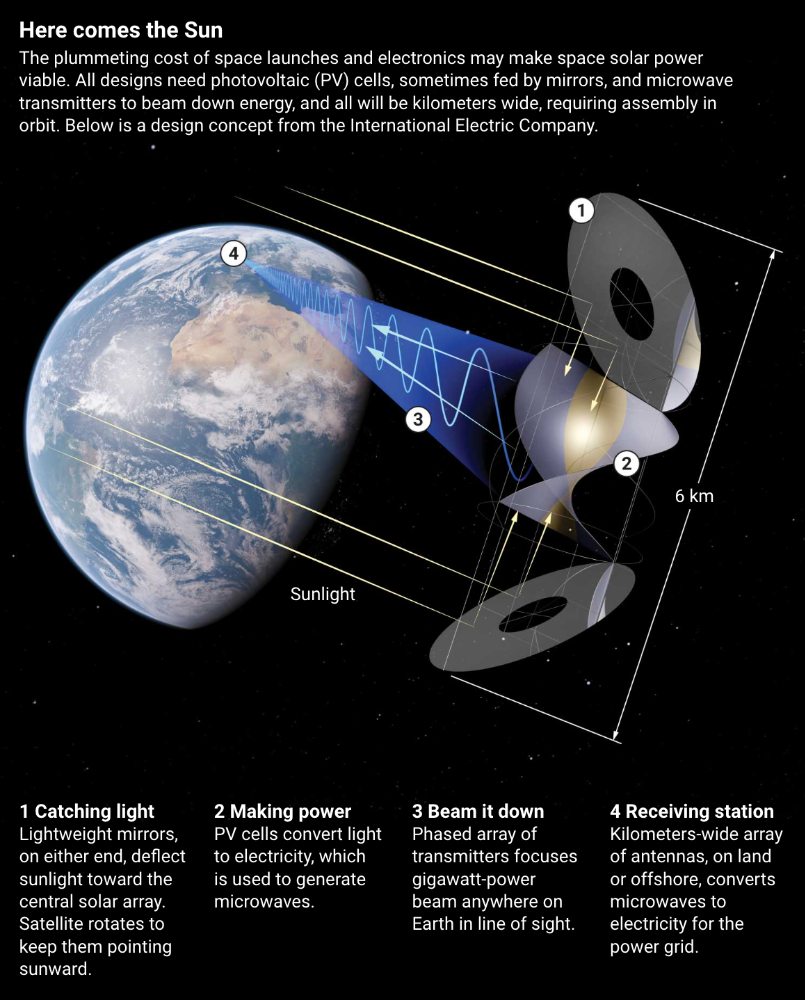
International Electric Company's Ian Cash has a new strategy. His proposed satellite uses enormous, fixed mirrors to redirect light onto a PV and microwave array while the structure spins (see graphic, above). 1 billion minuscule perpendicular antennas act as a "phased array" to electronically guide the beam toward Earth, regardless of the satellite's orientation. This design, argues Cash, is "the most competitive economically"
If a space-based power plant ever flies, its power must be delivered securely and efficiently. Jaffe's team at NRL just beamed 1.6 kW over 1 km, and teams in Japan, China, and South Korea have comparable attempts. Transmitters and receivers lose half their input power. Vijendran says space solar beaming needs 75% efficiency, "preferably 90%."
Beaming gigawatts through the atmosphere demands testing. Most designs aim to produce a beam kilometers wide so every ship, plane, human, or bird that strays into it only receives a tiny—hopefully harmless—portion of the 2-gigawatt transmission. Receiving antennas are cheap to build but require a lot of land, adds Jones. You could grow crops under them or place them offshore.
Europe's public agencies currently prioritize space solar power. Jones: "There's a devotion you don't see in the U.S." ESA commissioned two solar cost/benefit studies last year. Vijendran claims it might match ground-based renewables' cost. Even at a higher price, equivalent to nuclear, its 24/7 availability would make it competitive.
ESA will urge member states in November to fund a technical assessment. If the news is good, the agency will plan for 2025. With €15 billion to €20 billion, ESA may launch a megawatt-scale demonstration facility by 2030 and a gigawatt-scale facility by 2040. "Moonshot"

Alex Mathers
3 years ago
400 articles later, nobody bothered to read them.

Writing for readers:
14 years of daily writing.
I post practically everything on social media. I authored hundreds of articles, thousands of tweets, and numerous volumes to almost no one.
Tens of thousands of readers regularly praise me.
I despised writing. I'm stuck now.
I've learned what readers like and what doesn't.
Here are some essential guidelines for writing with impact:
Readers won't understand your work if you can't.
Though obvious, this slipped me up. Share your truths.
Stories engage human brains.
Showing the journey of a person from worm to butterfly inspires the human spirit.
Overthinking hinders powerful writing.
The best ideas come from inner understanding in between thoughts.
Avoid writing to find it. Write.
Writing a masterpiece isn't motivating.
Write for five minutes to simplify. Step-by-step, entertaining, easy steps.
Good writing requires a willingness to make mistakes.
So write loads of garbage that you can edit into a good piece.
Courageous writing.
A courageous story will move readers. Personal experience is best.
Go where few dare.
Templates, outlines, and boundaries help.
Limitations enhance writing.
Excellent writing is straightforward and readable, removing all the unnecessary fat.
Use five words instead of nine.
Use ordinary words instead of uncommon ones.
Readers desire relatability.
Too much perfection will turn it off.
Write to solve an issue if you can't think of anything to write.
Instead, read to inspire. Best authors read.
Every tweet, thread, and novel must have a central idea.
What's its point?
This can make writing confusing.
️ Don't direct your reader.
Readers quit reading. Demonstrate, describe, and relate.
Even if no one responds, have fun. If you hate writing it, the reader will too.

Stephen Moore
3 years ago
Adam Neumanns is working to create the future of living in a classic example of a guy failing upward.
The comeback tour continues…
First, he founded a $47 billion co-working company (sorry, a “tech company”).
He established WeLive to disrupt apartment life.
Then he created WeGrow, a school that tossed aside the usual curriculum to feed children's souls and release their potential.
He raised the world’s consciousness.
Then he blew it all up (without raising the world’s consciousness). (He bought a wave pool.)
Adam Neumann's WeWork business burned investors' money. The founder sailed off with unimaginable riches, leaving long-time employees with worthless stocks and the company bleeding money. His track record, which includes a failing baby clothing company, should have stopped investors cold.
Once the dust settled, folks went on. We forgot about the Neumanns! We forgot about the private jets, company retreats, many houses, and WeWork's crippling. In that moment, the prodigal son of entrepreneurship returned, choosing the blockchain as his industry. His homecoming tour began with Flowcarbon, which sold Goddess Nature Tokens to lessen companies' carbon footprints.
Did it work?
Of course not.
Despite receiving $70 million from Andreessen Horowitz's a16z, the project has been halted just two months after its announcement.
This triumph should lower his grade.
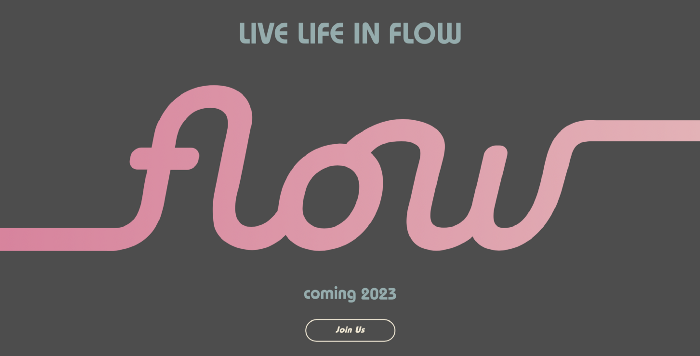
Neumann seems to have moved on and has another revolutionary idea for the future of living. Flow (not Flowcarbon) aims to help people live in flow and will launch in 2023. It's the classic Neumann pitch: lofty goals, yogababble, and charisma to attract investors.
It's a winning formula for one investment fund. a16z has backed the project with its largest single check, $350 million. It has a splash page and 3,000 rental units, but is valued at over $1 billion. The blog post praised Neumann for reimagining the office and leading a paradigm-shifting global company.
Flow's mission is to solve the nation's housing crisis. How? Idk. It involves offering community-centric services in apartment properties to the same remote workforce he once wooed with free beer and a pingpong table. Revolutionary! It seems the goal is to apply WeWork's goals of transforming physical spaces and building community to apartments to solve many of today's housing problems.
The elevator pitch probably sounded great.
At least a16z knows it's a near-impossible task, calling it a seismic shift. Marc Andreessen opposes affordable housing in his wealthy Silicon Valley town. As details of the project emerge, more investors will likely throw ethics and morals out the window to go with the flow, throwing money at a man known for burning through it while building toxic companies, hoping he can bank another fantasy valuation before it all crashes.
Insanity is repeating the same action and expecting a different result. Everyone on the Neumann hype train needs to sober up.
Like WeWork, this venture Won’tWork.
Like before, it'll cause a shitstorm.